Google Gemini Review 2026: AI Writing, Deep Research, Workspace and Pricing
This Google Gemini Review explains where Gemini fits in the AI writing tools market in 2026. We cover Gemini 3.1 Pro, Google AI Pro, Google AI Ultra, the 1M token context window, Deep Research, Canvas, Workspace integration, Veo 3.1 Lite, pricing, pros, cons, and whether Gemini is better than Claude or ChatGPT for real writing workflows.
Google Gemini Review Verdict — April 2026
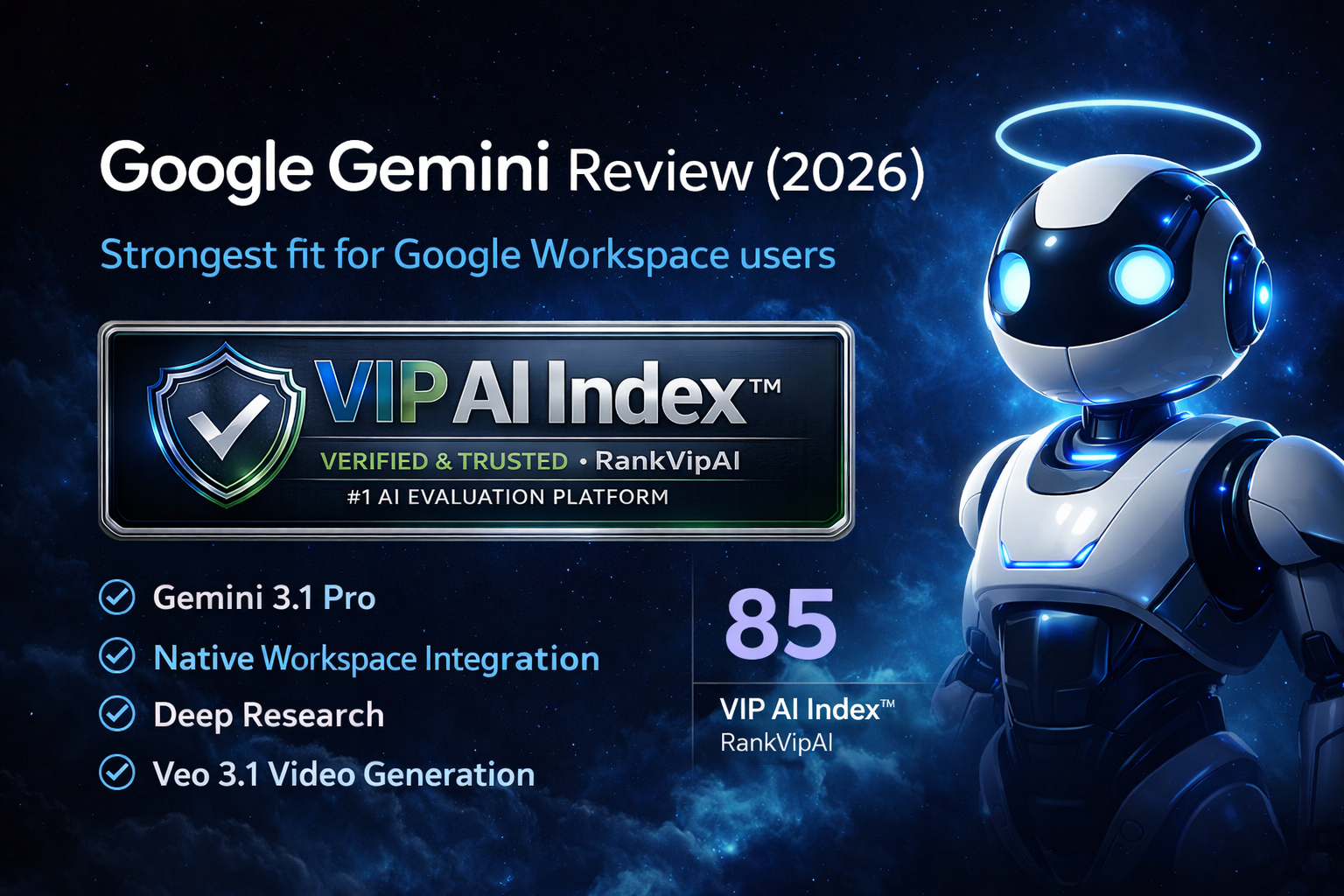
This Google Gemini Review gives Gemini an 85/100 VIP AI Index™ score because it is one of the strongest ecosystem-led AI writing tools available in 2026. Gemini is not just a standalone chatbot. Its real advantage is the combination of Gemini 3.1 Pro, Deep Research, Google Workspace, Canvas, large-context document analysis and native writing help inside Google products.
Google AI Pro now gives users higher access to Gemini 3.1 Pro, Deep Research, image generation with Nano Banana Pro, Veo 3.1 Lite, 1,000 monthly AI credits, Gemini in Gmail and Docs, and 5 TB of storage in the United States pricing structure. For writers, researchers, students, analysts and Google-first teams, that bundle makes Gemini much more valuable than a simple chat subscription.
The biggest weakness is still writing polish. Gemini is very strong for research, summaries, document understanding and productivity, but Claude usually feels more natural for long-form prose, editorial nuance and brand voice. ChatGPT remains broader as a general-purpose assistant. Gemini’s best use case is clear: choose Gemini if your writing workflow lives inside Google Workspace, research-heavy documents, Drive files, Gmail, Docs, Sheets, Slides and fast productivity loops.
What this Google Gemini Review actually covers
Gemini combines large-context writing, multimodal reasoning, Deep Research, Workspace-native productivity, Canvas editing and video generation inside a single Google ecosystem workflow.
Gemini 3.1 Pro is the premium model layer highlighted inside Google AI Pro and Ultra. For writing workflows, its biggest value is not only raw generation, but stronger reasoning, long-context handling, document understanding and research-heavy synthesis.
In this Google Gemini Review, Gemini 3.1 Pro is the main reason Gemini remains competitive against Claude and ChatGPT for research-heavy writing tasks.
Gemini is directly tied to Google’s productivity ecosystem. Gmail, Docs, Sheets, Slides, Vids and Workspace workflows make Gemini more useful for people who already write, organize, summarize and collaborate inside Google tools.
This is the biggest reason Gemini deserves a high score even if its pure prose is not always as polished as Claude.
Deep Research is one of Gemini’s strongest features. It can plan, search, reason over information and generate structured research reports, including access to web sources and optional Workspace sources such as Gmail, Drive and Chat.
For analysts, students, SEO researchers, content strategists and business users, this is a major advantage over simpler writing-only AI tools.
Gemini’s 1M token context window gives it a major edge for long files, research packs, transcripts, books, reports and large document workflows. Google describes this as enough to process up to roughly 1,500 pages of text or 30,000 lines of code.
This matters for serious writing because Gemini can work across much more source material before producing drafts, summaries or reports.
Canvas gives Gemini a more useful editing environment for drafts, structured outputs and iterative writing. It helps reduce copy-paste friction when users want to revise text, expand sections or build more polished content assets.
For AI writing tool buyers, this makes Gemini more than a quick prompt box and closer to a full productivity workspace.
Google AI Pro includes access to video creation features with limited access to Veo 3.1 Lite. That gives Gemini a wider creative workflow than pure writing tools because users can move from ideas and scripts into image and video creation.
This is not essential for every writer, but it increases Gemini’s value for creators, marketers and teams building multi-format content.
How the Gemini experience is split
Google Gemini Review: pricing structure
Pricing is a major part of this Google Gemini Review because Gemini now sits across free access, Google AI Plus, Google AI Pro, Google AI Ultra and Google Workspace business plans.
| Plan | US price | Main Gemini access | AI credits / storage | Best for |
|---|---|---|---|---|
| Gemini Free | $0 Free tier |
Gemini app, image generation/editing, Deep Research, Canvas, Gems and limited Flow/Veo access depending on availability | 50 daily AI credits · 15 GB storage | Students, casual users, early testing and basic writing workflows |
| Google AI Plus | $7.99/mo US pricing |
Enhanced access to Gemini 3.1 Pro, Deep Research, Nano Banana Pro and limited Veo 3.1 Lite | 200 monthly AI credits · 200 GB storage | Users who want more Gemini access without paying for Pro |
| Google AI ProBest value | $19.99/mo US pricing |
Higher access to Gemini 3.1 Pro, Deep Research, Nano Banana Pro, Veo 3.1 Lite, Gemini in Gmail and Docs | 1,000 monthly AI credits · 5 TB storage | Research-heavy writers, professionals, creators and Google-first users |
| Google AI Ultra | $249.99/mo US pricing |
Highest limits, Veo 3.1, Deep Research, Gemini Agent where available, and Deep Think access | 25,000 monthly AI credits · 30 TB storage | Power users, advanced creators, heavy AI workflows and early-access users |
| Google Workspace Business Standard | $14/user/mo standard annual plan price |
Gemini AI assistant in Gmail, Gemini app access and Workspace productivity features | 2 TB pooled storage per user | Teams that already run email, documents and collaboration inside Google Workspace |
Google Gemini Review vs Claude vs ChatGPT
Gemini is strongest when ecosystem value, Workspace integration, Deep Research and large-context document analysis matter more than pure literary writing quality.
| Feature | Google Gemini | Claude | ChatGPT |
|---|---|---|---|
| VIP AI Index™ Score | ★ 85 — VIP Pick | 91 — VIP Elite | 87 — VIP Elite |
| Category Rank | #3 AI Writing Tool | ★ #1 AI Writing Tool | #2 AI Writing Tool |
| Writing quality | Good, but less natural on demanding long-form prose | ★ Best prose quality and editorial tone | Strong all-round, flexible and reliable |
| Context window | ★ 1M token long context | Strong long-context handling, but not Gemini’s main public positioning here | Strong, but plan and model dependent |
| Workspace / office integration | ★ Native Google Workspace | Limited compared with Gemini | Strong general ecosystem, but not as native inside Google Workspace |
| Research workflow | ★ Deep Research is a major advantage | Excellent reasoning and synthesis | Fast, versatile and broad research workflows |
| Video and creative workflow | ★ Veo 3.1 Lite / Veo 3.1 ecosystem | No equivalent native video workflow | More fragmented depending on plan and connected tools |
| Best for | Google-first teams, students, researchers and Workspace-heavy professionals | Writers who want the most natural final prose | Users who want the broadest all-purpose AI assistant |
Google Gemini Review: what works and what doesn’t
Gemini’s strengths are ecosystem depth, large-context handling, Deep Research and Workspace productivity. Its main limitation is still the consistency and polish of the final writing itself.
✓ Strengths
Gemini’s upside is centered on ecosystem depth, long-context handling, capable free access, Deep Research and Google-first productivity workflows.
Gmail, Docs, Sheets, Slides, Vids and Meet workflows feel native rather than bolted on, which is a major advantage for users already working inside Google’s productivity suite.
Gemini handles very large documents, research-heavy inputs, long transcripts and broader context sets more comfortably than most writing tools, making it useful for serious document-heavy workflows.
Broad topic synthesis, background analysis, research planning and structured exploration are especially strong here, making Gemini compelling for research-heavy writing workflows.
Gemini Free is good enough for meaningful testing, student use, brainstorming, basic drafting and everyday writing without immediate pressure to upgrade.
Image generation, Flow, Whisk and Veo access make Gemini useful for creators who want to move from research and scripts into visual content workflows.
The combination of Gemini 3.1 Pro, Deep Research, Workspace integration, 5 TB storage and creative AI credits makes Google AI Pro attractive for users already in Google’s ecosystem.
✗ Weaknesses
Gemini is powerful, but its biggest drawback remains final prose consistency. It offers more value as an ecosystem layer than as the absolute best pure writing engine.
Outputs can feel flatter or more formulaic than Claude on long-form, editorial, persuasive or creative writing, especially when nuance and tone control matter.
Prompt-to-prompt variation can be noticeable when precision matters, making it less dependable than the top writing-focused alternatives for refined final prose.
Gemini is useful for research and drafting, but factual confidence should not replace verification when you are working on important, cited or high-stakes content.
If you do not use Google Workspace heavily, a large part of Gemini’s practical edge disappears and the value proposition becomes less distinctive.
Google AI Ultra makes sense for heavy power users and creative AI workflows, but it is overkill for most people who only need writing, research and productivity help.
Dedicated SEO tools, campaign-focused platforms or fiction-oriented writing tools can still offer a sharper fit for those specific vertical use cases.
Google Gemini Review FAQ
Direct answers for users comparing Gemini as an AI writing tool, research assistant and Google Workspace productivity layer.
Yes. Google Gemini is good for writing in 2026, especially for users who already work inside Google Workspace. It is strong for drafting, rewriting, summarizing, research, document analysis and productivity workflows across Gmail, Docs, Sheets, Slides and the Gemini app.
The verdict of this Google Gemini Review is that Gemini is one of the best AI writing tools for Google-first users, research-heavy workflows and Workspace productivity. It is not the best pure long-form prose tool, but it is extremely strong as an ecosystem-based writing and research assistant.
Choose Claude if your priority is the most natural long-form writing and better editorial polish. Choose Gemini if you already live inside Google Workspace and want research, writing, document analysis and productivity in one integrated environment.
Yes. Gemini Free is one of the stronger free tiers in the market and is good enough for everyday writing, learning, brainstorming and initial research before paying for Google AI Plus, Pro or Ultra.
Gemini’s main advantage is Google ecosystem depth, especially Gmail, Docs, Drive, Sheets, Slides, Deep Research and long-context document analysis. ChatGPT is more general-purpose and often feels more flexible across a wider range of consumer and professional tasks.
Gemini can produce solid SEO and marketing drafts, especially when paired with Deep Research and Workspace files. However, it is not a dedicated SEO platform. For SEO-specific workflows, compare specialized tools such as Semrush, SE Ranking, Surfer SEO and Frase.
For creators and teams making visual content, yes. Veo 3.1 and Veo 3.1 Lite make Gemini more than a writing assistant and turn it into a broader creative workflow tool, especially when scripts, research, images and video are connected.
Gemini is best for Google-first teams, students, analysts, researchers and professionals who want an AI layer woven directly into their everyday Workspace tools rather than a standalone chat experience only.
Ready to try Google Gemini?
Start with the free tier, then upgrade to Google AI Pro if you want Gemini 3.1 Pro, Deep Research, Veo 3.1 Lite, higher limits, Workspace-native writing and a stronger research workflow.
More AI writing and SEO tools
Continue the RankVipAI research path with related writing tools and SEO-focused reviews.