Speechify Review 2026: Is This the Best AI Text-to-Speech Reader?
This Speechify Review looks at whether Speechify is still the best AI text-to-speech reader for PDFs, articles, books, docs, emails, and web pages in 2026. Speechify stands out as a voice-first reading assistant with natural voices, AI summaries, voice chat, dictation, podcasts, and Studio tools for creators who want more than basic text-to-speech.
Speechify Review Verdict — March 2026
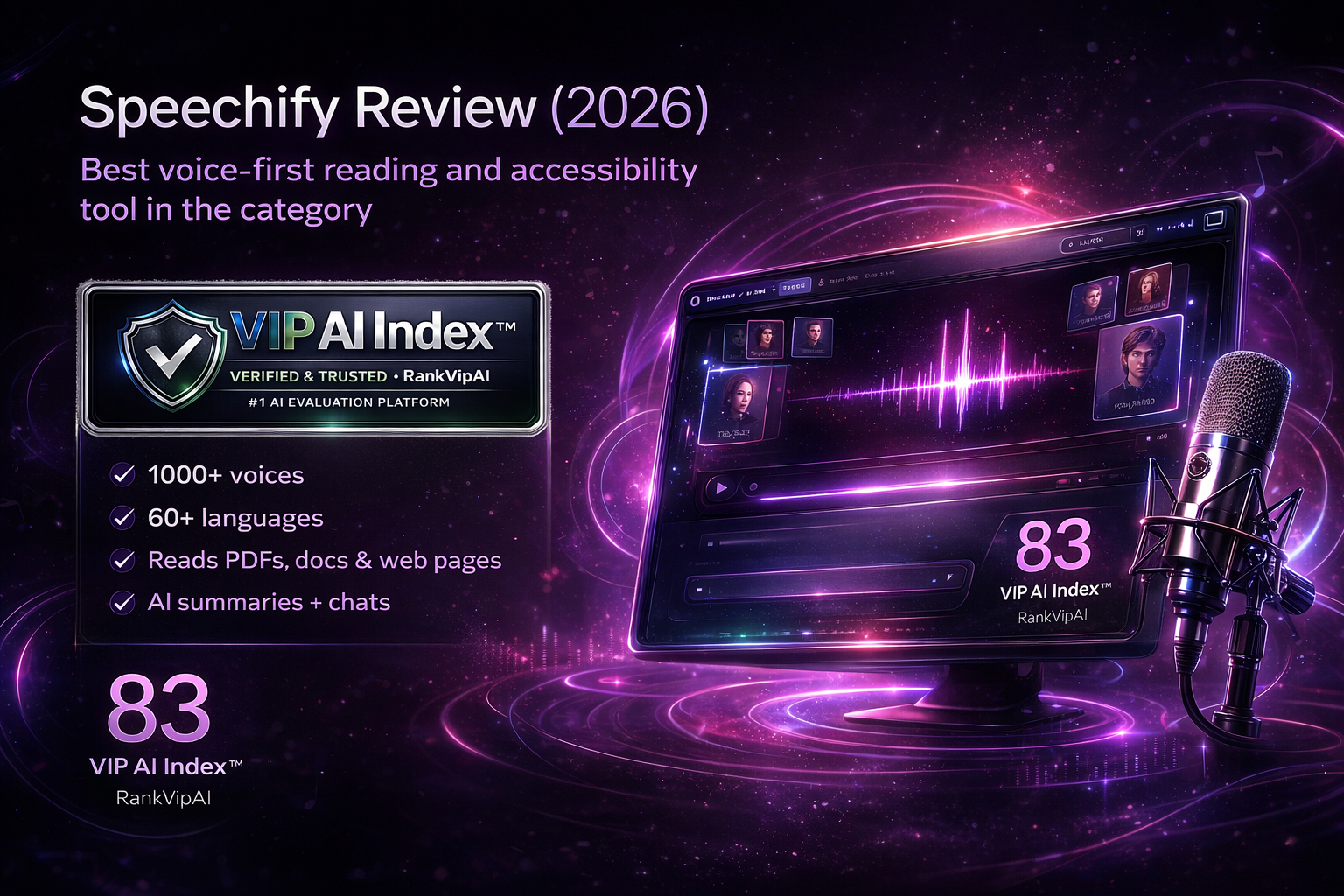
Speechify earns its 83/100 and #4 ranking because it solves a different problem than the tools above it. ElevenLabs is a stronger pure voice AI platform. Murf AI is better for structured business voiceovers. Descript is better for editing podcasts and talking-head video. Speechify wins when your bottleneck is reading, focus, accessibility, and everyday information overload. That is why it remains the cleanest recommendation in the category for students, professionals, dyslexic readers, ADHD users, and anyone who wants long-form content turned into audio fast across devices.
The product has also expanded meaningfully beyond “read this PDF aloud.” Premium now bundles natural voices, faster playback, scan-and-listen, summaries, chats, storage integrations, voice typing, and even AI podcasts. On top of that, Speechify has a separate Studio lane for voiceovers, dubbing, cloning, and creator use cases. That wider ecosystem makes the product more relevant than a basic reader and helps explain why it still scores comfortably above most specialist alternatives.
The catch is important: Speechify is not the best tool here for premium narration or branded voice production. If you need emotional control, cinematic delivery, multilingual dubbing at scale, or polished business voiceover workflows, ElevenLabs or Murf AI are stronger. Speechify is best when the spoken output is there to help you consume, understand, and interact with information faster — not when the voice itself is the core product you are shipping.
What Speechify actually does well
Speechify is strongest when the goal is to turn written information into something you can hear, understand, and act on faster — whether that means reading more, focusing better, or working hands-free.
Where Speechify fits best
Speechify is at its best when you want listening to become your main interface for consuming information, not when you are trying to build the world’s most expressive synthetic narrator.
Speechify Review: pricing in 2026
The main thing to understand is that Speechify now has separate product lanes. The reader / Voice AI Assistant subscription is different from Speechify Studio, which is aimed at creators making voiceovers and dubbed content.
| Plan | Price | Allowance / scope | Who it is for | Key notes |
|---|---|---|---|---|
| Reader Free | $0 Entry tier |
10 robotic voices, up to 1.5× speed | Trying Speechify before paying | Very limited compared with Premium; text-to-speech only |
| Reader Premium AnnualBest value | $139/year ~ $11.6/mo effective |
1000+ natural voices, 60+ languages, 5× speed, summaries, chats | Students, professionals, heavy reading workflows | The starting price from the VIP AI Index™ table; the real sweet spot for most users |
| Reader Premium Monthly | $29/mo Flexible billing |
Same Premium reader feature set | Short-term or lower-commitment users | More expensive unless you know you only need it temporarily |
| Studio Starter | $19/mo Separate subscription |
7,200 Studio credits, 1,000+ voices, voice cloning, dubbing | Small creator projects | Commercial usage rights included; very different use case from the reader app |
| Studio Creator | $49/mo Best value Studio tier |
28,800 Studio credits and everything in Starter | Regular content production | Better if you actually need voiceover output, dubbing, and creator-scale generation |
Speechify vs the main alternatives
Speechify is easiest to understand as a voice-first reading and understanding product. It wins when you need to consume information faster, not when you need the most advanced synthetic narrator or the deepest editing suite.
| Aspect | Speechify | ElevenLabs | Murf AI | Descript |
|---|---|---|---|---|
| Best for | Reading, accessibility, and voice-first productivity Winner | Best overall voice AI stack | Business voiceovers and training narration | Podcast and creator video editing |
| Accessibility reading | Best simple fit in the category Winner | Possible, but overbuilt for most readers | Not the main focus | Weak fit |
| Raw voice realism | Good for listening and comprehension | Most expressive and natural Winner | Professional and polished | Good enough for creator corrections |
| Business narration | Possible through Studio, not core product | Strong | Best fit for structured corporate voiceovers Winner | Useful when editing matters too |
| Edit-by-text workflow | Minimal | Not editor-first | Studio-oriented | Best in class Winner |
| Voice assistant layer | Built directly into the experience Winner | Not the main use case | Not the main use case | Secondary |
| Voice typing / dictation | Strong hands-free productivity angle Winner | Not core | Not core | Not core |
| Multi-device daily use | Excellent cross-device footprint Winner | Broad platform, but different workflow | Mostly production use | Heavier workspace |
| AI podcast generation | Built into the broader voice assistant direction Winner | Not a core reader use case | More narration-oriented | Can make podcasts, but through editing |
| Starting price | $139/year Premium | $5/mo Starter Winner | $19/mo Creator | $24/mo Hobbyist |
Where Speechify wins — and where it does not
Speechify is easy to recommend for people who need to consume and understand information faster. It is less compelling if your main goal is shipping polished commercial voice content.
✓ Strengths
Speechify’s upside is clear: it is one of the easiest voice-first products to use every day for reading, accessibility, comprehension, and reducing information overload across devices.
Speechify is genuinely useful for dyslexia support, attention management, reading fatigue, and information-heavy workflows.
The product is designed for repeated daily reading across devices, not just occasional creative sessions.
Premium feels materially better than the free tier because the voice quality gap is obvious in real use.
PDFs, docs, books, articles, emails, and web pages are the center of the product, not edge cases.
Summaries, chats, faster playback, voice typing, and podcasts extend the value beyond simple text-to-speech.
Mobile apps, browser extensions, web, and desktop support make it easy to stay in one workflow.
Being able to snap a page and hear it back is useful for students, professionals, and mobile users.
Speechify Studio gives the ecosystem more upside if you later need voiceovers, dubbing, or cloning.
✗ Weaknesses
The trade-off is also clear: Speechify is excellent for reading and understanding information, but it is not the strongest option when premium voice production is the main objective.
If voice realism and expressive control are the point, ElevenLabs is simply better.
Murf AI is cleaner for structured corporate narration and training content.
10 robotic voices and 1.5× speed are enough to test the app, not enough to judge the full product fairly.
The product makes more sense on annual billing, which can be a hurdle for casual users.
Reader, Studio, and API are different subscriptions, which makes the ecosystem broader but less simple.
Speechify Studio exists, but the core ranked product is still mainly a reader and voice assistant.
Compared with specialized voiceover platforms, Speechify is not the tool you buy for nuanced performance direction.
Premium word limits and commercial restrictions still matter, even if the 2026 allowance is generous for most people.
Speechify Review FAQ
These are the practical questions worth asking before paying — especially if you are comparing Speechify with ElevenLabs, Murf AI, or Descript.
Yes, if you read a lot and actually use audio to reduce friction. It becomes worth it when listening helps you finish more articles, PDFs, emails, coursework, or research than you would otherwise get through.
Not overall. ElevenLabs is stronger as a full voice AI platform. Speechify is better when you mainly want a voice-first reading and comprehension tool rather than a premium speech-generation stack.
Students, knowledge workers, dyslexic readers, ADHD users, and anyone who wants long-form written content turned into audio across devices with as little setup friction as possible.
Only to test the idea. The free plan is intentionally limited and uses more robotic voices, so most people need Premium before they can judge whether Speechify really fits their daily workflow.
For many people, yes. The combination of audio playback, text highlighting, speed control, and cross-device access makes it one of the better mainstream tools for reducing reading friction and maintaining focus.
Reader is for listening to text, asking questions, dictating, and voice-first productivity. Studio is a separate creator product for voiceovers, dubbing, cloning, and production-style audio work.
For creator-style commercial voice use, that is more clearly tied to Speechify Studio. The reader product is mainly designed for consumption and productivity, so commercial distribution rules are not the main reason to buy it.
Skip it if your real goal is premium narration, enterprise voice production, or editing a lot of creator media. In those cases, ElevenLabs, Murf AI, or Descript will usually be better fits.
The easiest voice-first reading tool in this category
Turn articles, PDFs, docs, emails, and books into audio, then layer on summaries, chat, dictation, and AI podcasts for a faster way to read and think. Starting at $139/year Premium.
Try Speechify →