Framer Review 2026: Best AI Website Builder for Designers?
Framer Review covers the strongest prompt-to-publish AI website builder for designers, founders, and agencies. Framer turns a text prompt into a responsive site structure, then lets you refine, animate, localize, optimize, and publish with CMS, SEO, hosting, and design polish built into one workflow.
Framer Review Verdict — March 2026
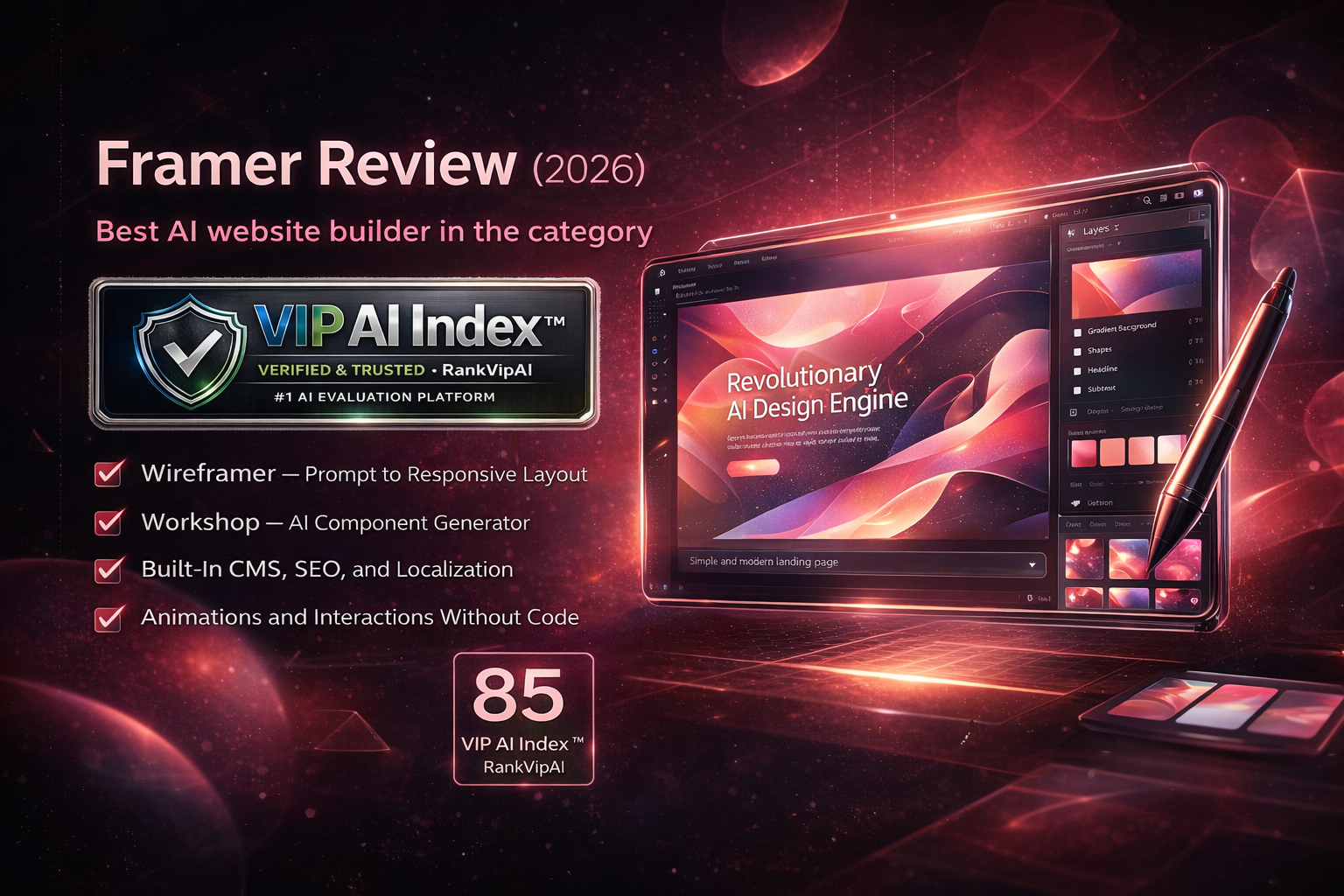
What Framer actually does
Framer is not just an AI generator. It is a design-to-publish workflow where AI speeds up structure, components, and launch, while the core product handles hosting, SEO, CMS, localization, and site performance.
The main AI building blocks in Framer
Framer Review Pricing — March 2026
Framer’s pricing is strongest if you value free design exploration and only pay once you need a live custom-domain site. Basic is enough for personal sites and small launches; Pro is where Framer becomes a serious marketing-site platform.
| Plan | Price | Best for | Key limits | Editors | Notable extras |
|---|---|---|---|---|---|
| Free | $0 Design and test |
Exploration, templates, private concepts | 10 CMS collections · 1,000 pages · 5 MB uploads · 1 free locale | Up to 3 editors in unsubscribed workspaces | Design use is free, but no custom domain |
| BasicStarter site | $10/mo Annual billing |
Students, freelancers, personal sites | 30 pages · 1 CMS collection · 1,000 CMS items · 10 GB bandwidth | 2 seats · extra editors $20/mo | Custom domain · AI tools · built-in SEO |
| Pro | $30/mo Annual billing |
Growing marketing sites and agencies | 150 pages · 10 CMS collections · 2,500 CMS items · 100 GB bandwidth | 10 seats · extra editors $40/mo | Staging · rollback · relational CMS · redirects · add-ons |
| Scale | $100/mo Annual only + usage |
High-traffic brand sites and scale-ups | 300 pages · 20 CMS collections · 10,000 items · 200 GB bandwidth | 10 seats · extra editors $40/mo | Events & funnels · premium CDN · flexible limits · priority support |
| Enterprise | Custom Request trial |
Large teams with security and support needs | Custom limits | Custom | Enterprise security · annual billing · dedicated support |
Framer Review vs Figma AI vs Canva AI
Three strong tools in the same category, but built for different outcomes: live sites, interface design, and broad visual content production.
| Feature | Framer | Figma AI | Canva AI |
|---|---|---|---|
| VIP AI Index™ Score | ★ 85 — VIP Pick | 88 — VIP Pick | 92 — VIP Elite |
| Category Rank | #4 | #3 | ★ #1 |
| Primary outcome | ★ Live websites | UI/UX design and product prototyping | Social, brand, and marketing design |
| Prompt-to-layout AI | ★ Wireframer | Good for ideation and Make workflows | Good for broad design generation |
| Publish live site | ★ Native hosting + domain + CMS | No native publishing stack | Basic website publishing |
| Motion and interactions | ★ Strongest for polished landing pages | Prototype-level interaction | Lightweight only |
| Design collaboration | Good | ★ Best-in-class | Very good |
| Graphic design breadth | Limited beyond web work | Moderate | ★ Best |
| Starting price | ★ Free design · $10/mo live site | $16/mo Professional | $13/mo Pro |
| Best for | Designers, founders, and agencies launching websites fast | Product teams and interface designers | Creators and marketers needing an all-in-one design suite |
Framer Review Pros and Cons
Based on hands-on evaluation of the product direction, official feature set, and how Framer fits against the other AI Design Tools in your category framework.
✓ Strengths
Framer’s upside is clear: it is the cleanest path from prompt to published site for designers who want visual polish, motion, CMS, SEO, and launch speed without a fragmented workflow.
Framer is the cleanest path from prompt to published site for designers who care about visual polish, interaction quality, and launch speed.
Wireframer does not stop at pretty mockups. It feeds into pages you can refine, connect to CMS, optimize for SEO, localize, and publish.
Framer remains one of the strongest tools for premium-feeling marketing sites, portfolios, and launches where interactions matter.
You can use Framer as a design tool with unlimited projects and pages before paying for a production site.
For custom counters, sliders, text effects, and site widgets, the generated output is reusable and editable rather than throwaway.
CMS, SEO, hosting, analytics, localization, redirects, and staging mean fewer tools and fewer handoffs compared with a fragmented workflow.
✗ Weaknesses
The trade-off is equally clear: Framer is narrower than broad design suites and still requires refinement if you want a finished brand-quality site rather than a fast starting point.
If your main workload is social media graphics, print, presentations, or ad creatives, Canva AI is a better fit and broader value.
Users expecting one-prompt final websites will still need layout refinement, styling decisions, and content cleanup.
Staging, rollback, relational CMS, redirects, and high-traffic headroom are not entry-plan features.
Framer is strongest for marketing, content, and portfolio sites, not application backends or product dashboards with deep logic.
Brands needing heavier commerce workflows may still prefer Shopify or more specialized stacks.
Teams already committed to a separate design tool plus dev handoff stack may need process changes to get Framer’s full value.
Framer Review FAQ
Yes, for design exploration. Framer lets you design for free with unlimited projects and unlimited pages, and the Free site plan also includes access to 10 CMS collections and 1,000 pages to try the product. You only need to pay when you want a custom domain and a production-ready site plan.
Wireframer turns a prompt into a responsive page structure with hierarchy, layout sections, navigation, and starter content. It is designed for structure, not final art direction, so it works best as a fast first draft that you then customize inside Framer.
For some website-first workflows, yes. Framer now covers enough of the design-to-publish journey that many landing pages, portfolios, and marketing sites can be created entirely inside Framer. But for complex product design systems, deep interface collaboration, and large UI/UX workflows, Figma is still stronger.
Choose Framer if your output is a live website and you care about motion, page structure, CMS, SEO, and launch speed. Choose Canva AI if you need a broad design toolbox for presentations, social assets, brand kits, and day-to-day marketing content. Framer is narrower, but much stronger for websites.
Yes. That is one of Framer’s real strengths. The platform includes CMS collections, built-in SEO controls, redirects on Pro, localization support, and higher-end regional controls on Scale. It is much better suited to content-rich marketing sites than most prompt-only AI website builders.
Do not choose Framer if you mainly need graphic design output instead of websites, if you want fully automated one-click finished sites with zero editing, or if your project depends on complex app logic and backend-heavy product development. Framer is best when design quality and launch speed matter more than engineering depth.
The best AI website builder in this category
Start free, generate a clean structure with Wireframer, refine the design, and publish with CMS, SEO, hosting, and localization already built in.
Try Framer Free →