Canva AI Review 2026: Best AI Design Tool for Most Users?
This Canva AI Review explains why Canva AI leads the AI design tools category in 2026, combining templates, presentations, docs, whiteboards, websites, brand kits, AI writing, image and video generation, and fast collaborative editing inside one platform.
Canva AI Review Verdict — March 2026
Canva AI wins this category because it solves the real design problem most users actually have: creating good-looking work fast without juggling five separate tools. It is not just an image generator or a template library. It is a full visual communication platform with presentations, social posts, short videos, documents, websites, whiteboards, brand assets, collaboration, and a growing layer of AI assistance across all of them.
The platform’s real advantage is workflow compression. Magic Design speeds up first drafts, Magic Write helps with copy, photo and video generation cover fast asset creation, Brand Kits keep output on-brand, and resize / repurpose features reduce repetitive work. For creators, marketers, founders, educators, and internal teams, Canva is often the fastest route from idea to publishable asset.
The catch: Canva is still not a precision-first pro design environment. If you need advanced illustration, detailed vector control, deep UI/UX systems, or highly distinctive visual art direction, you will still outgrow it in specific workflows. Firefly is stronger for commercially safer creative generation, Figma is stronger for product design, and Framer is stronger for polished website publishing. But for broad day-to-day design value, Canva remains the best overall buy in this category.
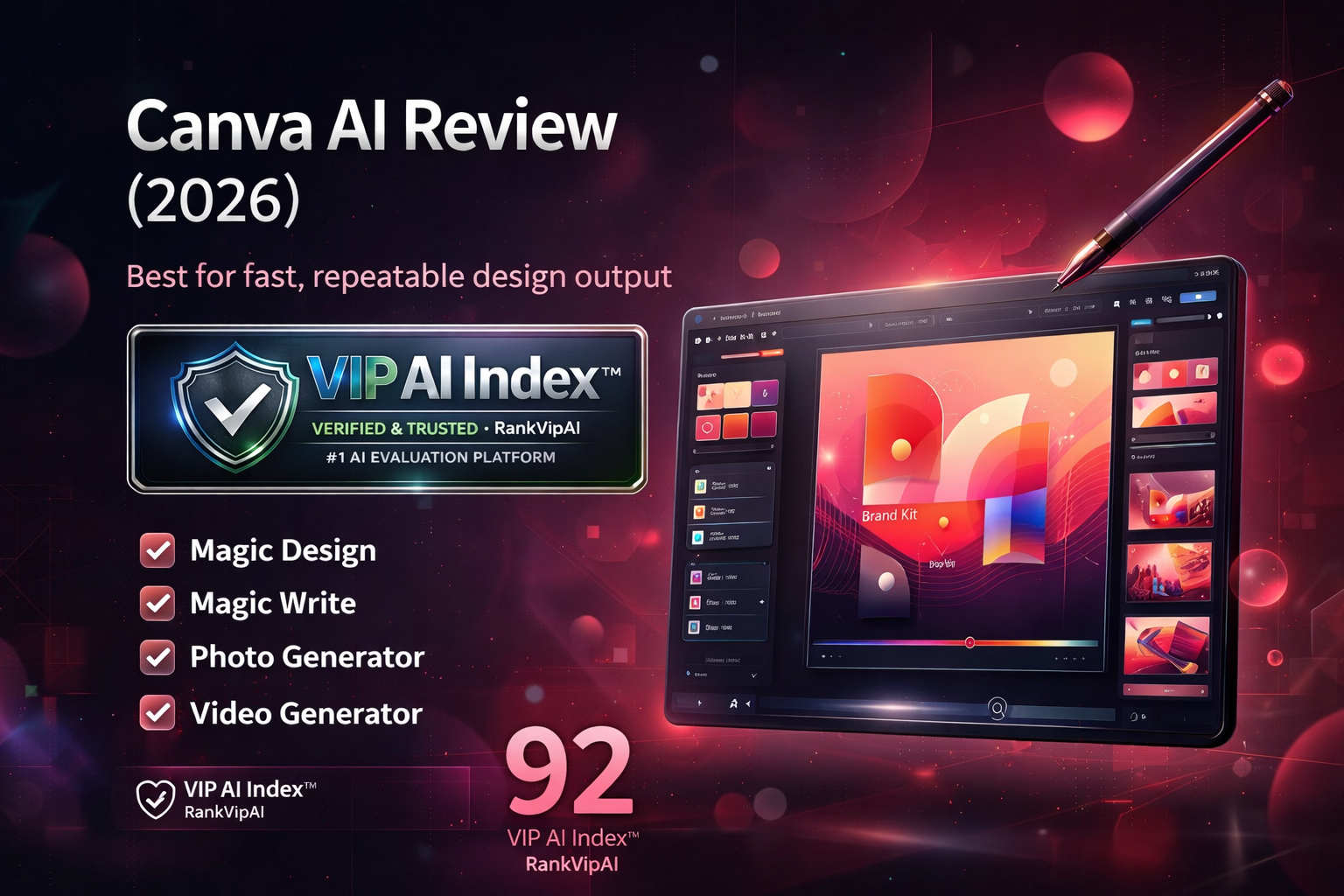
What Canva AI actually does
Canva’s strength is not one flagship trick. It is the way many useful AI features sit inside a workflow that already handles design, copy, teamwork, resizing, and publishing.
Who gets the most value from Canva AI
Canva AI Review Pricing — March 2026
The important split is simple: Free is good for testing, Pro is the sweet spot for individuals, and Business / Enterprise are for brand control and scaled team workflows.
| Plan | Price | AI features | Brand tools | Premium assets | Best for | Team workflows | Notes |
|---|---|---|---|---|---|---|---|
| Canva Free | $0 Forever |
Limited access | ✗ | ✗ | Testing & casual use | ✓ basic | Good starting point for simple posts and docs |
| Canva ProBest value | $13/mo Individual sweet spot |
25+ AI-powered features | ✓ Brand Kit | ✓ premium content | Most users | ✓ stronger | 30-day free trial available |
| Canva Business | Varies By team size |
Higher AI access | ✓ advanced | ✓ | Growing teams | ✓ shared workspace | Pricing depends on region and seats |
| Enterprise | Custom Sales contact |
Custom scale | ✓ governance | ✓ | Large organizations | ✓ enterprise admin | Procurement, security, rollout support |
Canva AI Review vs Adobe Firefly vs Figma AI vs Framer AI
Canva wins on broad utility. The tools below are stronger in narrower lanes, but none match Canva’s all-around mix of speed, accessibility, and workflow breadth.
| Category | Canva AI | Adobe Firefly | Figma AI | Framer AI |
|---|---|---|---|---|
| VIP Score | ★ 92 — VIP Elite | 90 | 88 | 85 |
| Best for | All-around design | Pro creative suite | UI/UX systems | AI websites |
| Starting price | $13/mo | $9.99+ / varies by plan | $15–16 / editor | $15/mo |
| Free access | ★ Yes | Limited | Yes | Yes |
| Ease of use | ★ Best | Moderate | Moderate | Moderate |
| Templates / social | ★ Best | Good | Weak | Weak |
| Brand workflow | ★ Strong | Strong | Strong for design systems | Limited |
| UI/UX product design | No | No | ★ Best | Good for websites |
| Website publishing | Basic | No | No | ★ Best |
| Commercial-safe generation | Decent | ★ Best | Not core | Not core |
| Overall value for most users | ★ Best | High for Adobe users | High for product teams | High for site builders |
Canva AI Review Pros and Cons
Based on broad day-to-day usefulness for creators, marketers, educators, founders, agencies, and internal teams in Q1 2026.
✓ Strengths
Canva’s upside is obvious: broad utility, extremely low friction, and a workflow that compresses design, copy, publishing, and collaboration into one accessible system.
Design, copy, presentations, video, docs, whiteboards, simple websites, and team collaboration all live in one place. That makes Canva unusually efficient for real-world production.
Canva has one of the lowest learning curves in any major creative tool. That is a real business advantage when non-designers need to produce strong assets quickly.
Resize, templates, batch production, and Brand Kits shorten production time immediately. Canva is one of the most efficient tools for teams shipping lots of branded content.
The free entry point is good enough to test real workflows before paying, which makes Canva easy to recommend for creators, schools, and small teams.
They are not flashy, but they are extremely useful. Fonts, colors, logos, and reusable templates make distributed brand work much easier to manage.
One Canva Pro subscription often replaces several narrower tools for creators, marketers, educators, and founders who care more about speed and breadth than precision craft.
Templates, stock assets, tutorials, and integrations make Canva easier to adopt and scale than most more specialized design tools.
Creator, marketer, teacher, founder, ops team, and agency workflows all fit naturally. That broad role coverage is a big reason Canva ranks #1 overall here.
✗ Weaknesses
The trade-off is straightforward: Canva is brilliant for speed and broad usefulness, but it is still not a precision-first environment for high-end specialist creative work.
Detailed vector control, advanced illustration workflows, and high-end custom craft still belong elsewhere. Serious Adobe users will notice those limits quickly.
Weak users can produce work that feels generic or over-templated. Canva is fast, but distinctive art direction still depends heavily on the operator.
Canva’s advantage is contextual workflow convenience. For standout hero visuals or higher-end artistic output, specialist tools are still stronger.
Figma remains the better choice for serious product teams, component systems, prototyping, dev handoff, and design system governance.
Canva can publish lightweight sites, but if the main goal is polished website publishing, Framer is much stronger.
Business pricing varies by region and team size, so the clean simplicity of Pro becomes less clear once a team scales.
Canva is excellent for broad production work, but not a full replacement for deeper specialist creative stacks in advanced professional environments.
Canva keeps adding tools, which improves breadth but can also make the product feel broader and busier than some users want.
Canva AI Review FAQ
Yes, for a lot of professional work. Social media assets, internal presentations, sales decks, lightweight videos, branded docs, pitch visuals, ads, and quick campaign design are exactly where Canva is strongest. Where it becomes weaker is advanced product design, custom illustration, and highly art-directed brand systems.
The free plan is enough to evaluate the editor and create simple work. But if you use Canva weekly, Pro is where the value starts to show up: more AI features, premium assets, Brand Kit, Magic Resize, and stronger editing tools. For occasional users, Free is fine. For real workflow usage, Pro is the better tier.
For most general users, yes. Canva is easier, broader, and more practical day to day. Firefly is stronger when you already live in Adobe’s ecosystem, need tighter creative control, or care more about licensed-training positioning and brand-safe generation. Canva wins on convenience and breadth. Firefly wins on pro creative context.
Not really as a primary tool. You can mock up simple interfaces, but it is not built for serious design systems, component logic, dev handoff, or prototyping depth. Figma AI is still the better choice for product teams.
For a creator, small business, educator, or marketing team, often yes. Canva can replace several lightweight point solutions at once. For advanced motion design, deep photo manipulation, serious vector illustration, or professional UI workflows, no — it becomes a core tool, not the only tool.
They are good in context. The key advantage is not that Canva beats every specialist model on raw output quality, but that generation happens inside your production flow. For fast marketing visuals and supporting assets, that convenience matters a lot. For standout cinematic or artistic output, specialist tools still lead.
It can be, especially for teams that produce lots of branded content and want higher AI access plus centralized brand control. The value grows when multiple people are reusing templates, campaign layouts, and brand kits. If your team is tiny and only one person designs, Pro may still be enough.
Advanced illustrators, serious UI/UX teams, motion graphics specialists, and designers who need exacting control over vectors, layouts, and custom craft. Canva is excellent for speed and accessibility. It is not trying to be the deepest creative workstation on the market.
Ready to try Canva AI?
Start with the free plan or test Canva Pro if you want the full Magic Studio workflow, premium assets, Brand Kit, and faster multi-format content production.