Google Gemini Review
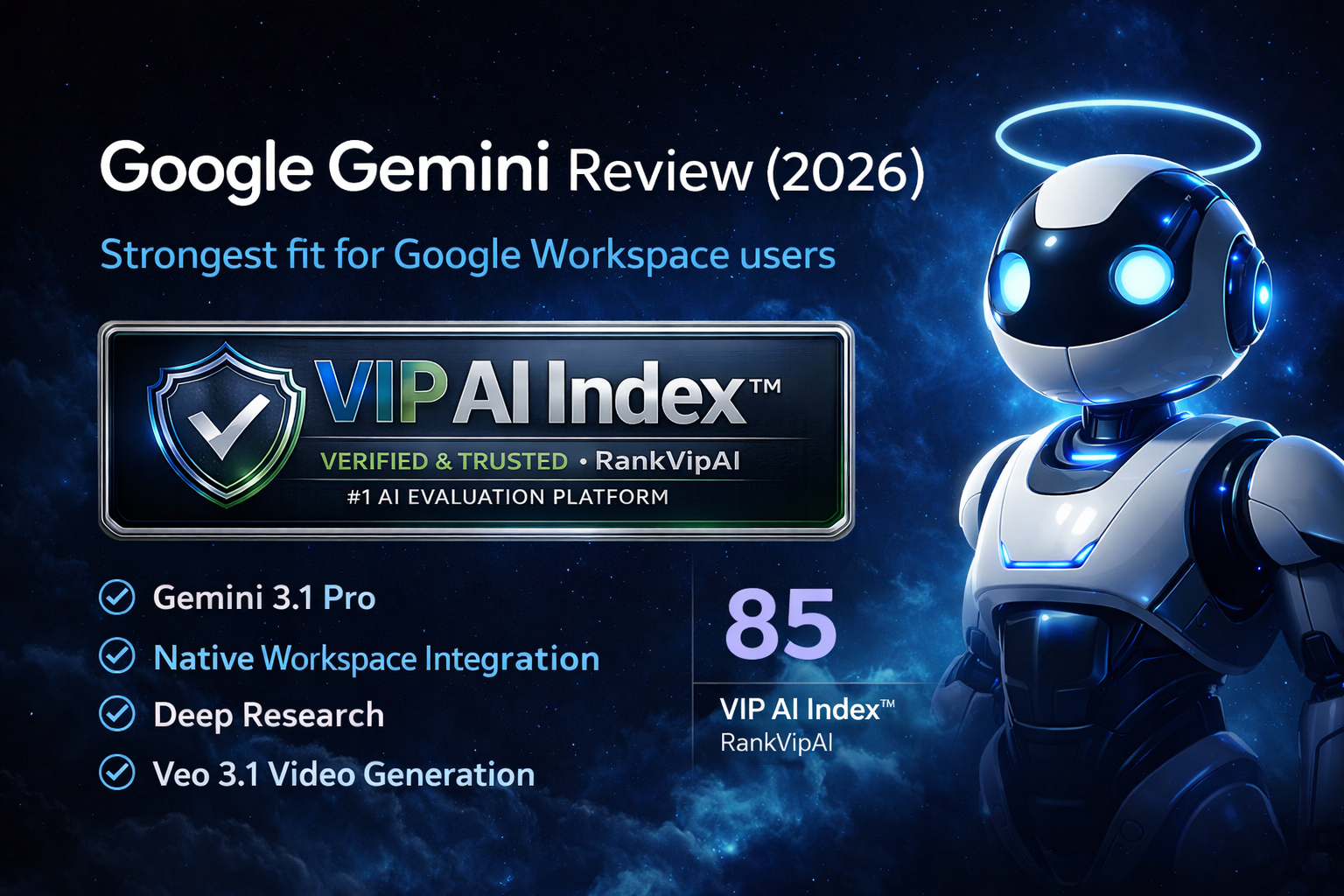
This Google Gemini Review looks at Gemini 3.1 Pro, the 1M token context window, Deep Research, Veo 3.1 video generation, and the deepest native Google Workspace integration in the AI writing tools category.
Google Gemini Review Verdict — March 2026
Google Gemini earns 85/100 and a VIP Pick badge because it delivers one of the most complete ecosystem-led AI writing experiences available today. Gemini 3.1 Pro adds a 1M token context window, strong multimodal understanding, and a workflow edge few writing platforms can match: native assistance across Gmail, Docs, Sheets, Slides, Meet, and the wider Google Workspace suite.
Its clearest differentiators are Deep Research and Veo 3.1. Deep Research is especially strong for topic discovery, synthesis, and report building, while Veo 3.1 brings video generation into the same broader AI environment. The free tier is also unusually capable, giving users enough room to understand the platform before moving to a paid plan.
Gemini still ranks below Claude and ChatGPT for one main reason: its prose feels less natural and less consistently polished on demanding long-form work. For editorials, essays, nuanced brand voice, or creative writing, Claude keeps the edge. Gemini works best for Google-first teams, research-heavy users, and professionals who want one AI layer across writing, productivity, and video.
What the Google Gemini Review actually covers
Gemini combines large-context writing, multimodal reasoning, research, video generation, and Workspace-native productivity in a single Google ecosystem workflow.
How the Gemini experience is split
Google Gemini Review: pricing structure
Gemini offers one of the more approachable entry points in the category, especially if you already subscribe to Google services or work inside Workspace.
| Plan | Price | Context | Deep Research | Veo 3.1 | Workspace AI | Best for |
|---|---|---|---|---|---|---|
| Gemini Free | $0 Free forever |
Limited | ✗ | ✗ | ✓ limited | Students, casual users, early testing |
| Gemini AdvancedBest value | $20/mo AI Advanced |
1M tokens | ✓ | ✓ | ✓ | Research, writing, solo professionals |
| Gemini Ultra | $200 / 3mo Higher tier |
1M tokens | ✓ | ✓ | ✓ | Power users, complex reasoning tasks |
| Workspace Business | $14/user Monthly |
1M tokens | ✓ | ✓ limited | ✓ native | Teams already using Google Workspace |
Google Gemini Review vs Claude vs ChatGPT
Gemini is strongest when ecosystem value matters more than pure writing quality. Claude still leads on prose. ChatGPT remains the most versatile all-rounder.
| Feature | Gemini | Claude | ChatGPT |
|---|---|---|---|
| VIP AI Index™ Score | ★ 85 — VIP Pick | 91 — VIP Elite | 87 — VIP Elite |
| Category Rank | #3 | ★ #1 | #2 |
| Writing quality | Good, but less natural on long-form | ★ Best prose quality | Strong all-round, less literary than Claude |
| Context window | ★ 1M tokens | Smaller | Smaller in typical writing workflows |
| Workspace / office integration | ★ Native Google Workspace | Limited | Strong, but not as native inside Google tools |
| Research workflow | ★ Deep Research is excellent | Strong reasoning, less integrated research mode | Fast and versatile research |
| Video generation | ★ Veo 3.1 built in | No equivalent | More fragmented depending on plan/tooling |
| Best for | Google-first teams and research-heavy users | Writers who want the best output quality | Users who want the broadest all-purpose AI assistant |
Google Gemini Review: what works and what doesn’t
Gemini’s strengths are ecosystem depth, large-context handling, and research. Its main limitation is still the consistency and polish of the final writing itself.
✓ Strengths
Gemini’s upside is centered on ecosystem depth, long-context handling, capable free access, and research workflows that feel especially strong for Google-first professionals and teams.
Gmail, Docs, Sheets, Slides, and Meet workflows feel native rather than bolted on, which is a major advantage for users already working inside Google’s productivity suite.
Gemini handles very large documents, research-heavy inputs, long transcripts, and broader context sets more comfortably than most competitors in this category.
It is good enough for meaningful testing, student use, brainstorming, and everyday writing without immediate pressure to upgrade.
Broad topic synthesis, background analysis, and structured exploration are especially strong here, making Gemini compelling for research-heavy workflows.
Users can move from ideation and scripting into video generation without changing tools, which broadens Gemini’s value for creators and cross-functional teams.
Workspace users can often justify Gemini more easily than a separate AI stack because the AI layer is already aligned with their existing software environment.
✗ Weaknesses
Gemini is powerful, but its biggest drawback remains output quality consistency. It offers more value as an ecosystem layer than as the absolute best pure writing engine.
Outputs can feel flatter or more formulaic than Claude on long-form, editorial, or creative writing, especially when nuance and tone control matter.
Prompt-to-prompt variation can be noticeable when precision matters, making it less dependable than the top writing-focused alternatives for refined prose.
Gemini is useful for research and drafting, but factual confidence should not replace verification when you are working on important, cited, or high-stakes content.
If you do not use Google Workspace heavily, a large part of Gemini’s practical edge disappears and the value proposition becomes less distinctive.
More advanced reasoning modes can be less practical for fast back-and-forth workflows, especially when you need speed more than maximum depth.
Dedicated SEO tools, campaign-focused platforms, or fiction-oriented writing tools still offer a sharper fit for those specific vertical use cases.
Google Gemini Review FAQ
Choose Claude if your priority is the most natural long-form writing and better editorial polish. Choose Gemini if you already live inside Google Workspace and want research, writing, and productivity in one integrated environment.
Yes. Gemini Free is one of the strongest free tiers in the market and is good enough for everyday writing, learning, brainstorming, and initial research before paying for Advanced.
Gemini’s main advantage is Google ecosystem depth — especially Gmail, Docs, Sheets, Slides, and Deep Research. ChatGPT is more general-purpose and often feels more flexible across a wider range of consumer and professional tasks.
It can produce solid content drafts, but it is not a dedicated SEO or campaign platform. For teams focused specifically on SEO workflows or brand-driven marketing output, more specialized tools may fit better.
For creators and teams making visual content, yes. Veo 3.1 makes Gemini more than a writing assistant and turns it into a broader creative workflow tool, especially when script, research, and video are connected.
Gemini is best for Google-first teams, students, analysts, researchers, and professionals who want an AI layer woven directly into their everyday Workspace tools rather than a standalone chat experience only.
Ready to try Google Gemini?
Start with the free tier, then unlock Gemini Advanced if you want Deep Research, Veo 3.1, and stronger Workspace-native writing workflows.
Try Gemini Free