Kling AI Review 2026
This Kling AI review explains why Kling ranks #4 among AI Video Tools in 2026. We cover its up to 3-minute video generation, Kling Video O1 reasoning, Kling 3.0 multi-shot sequences, native audio, Elements character consistency, pricing, and whether it is the best budget choice for longer-form AI video creation.
Kling AI Review Verdict — March 2026
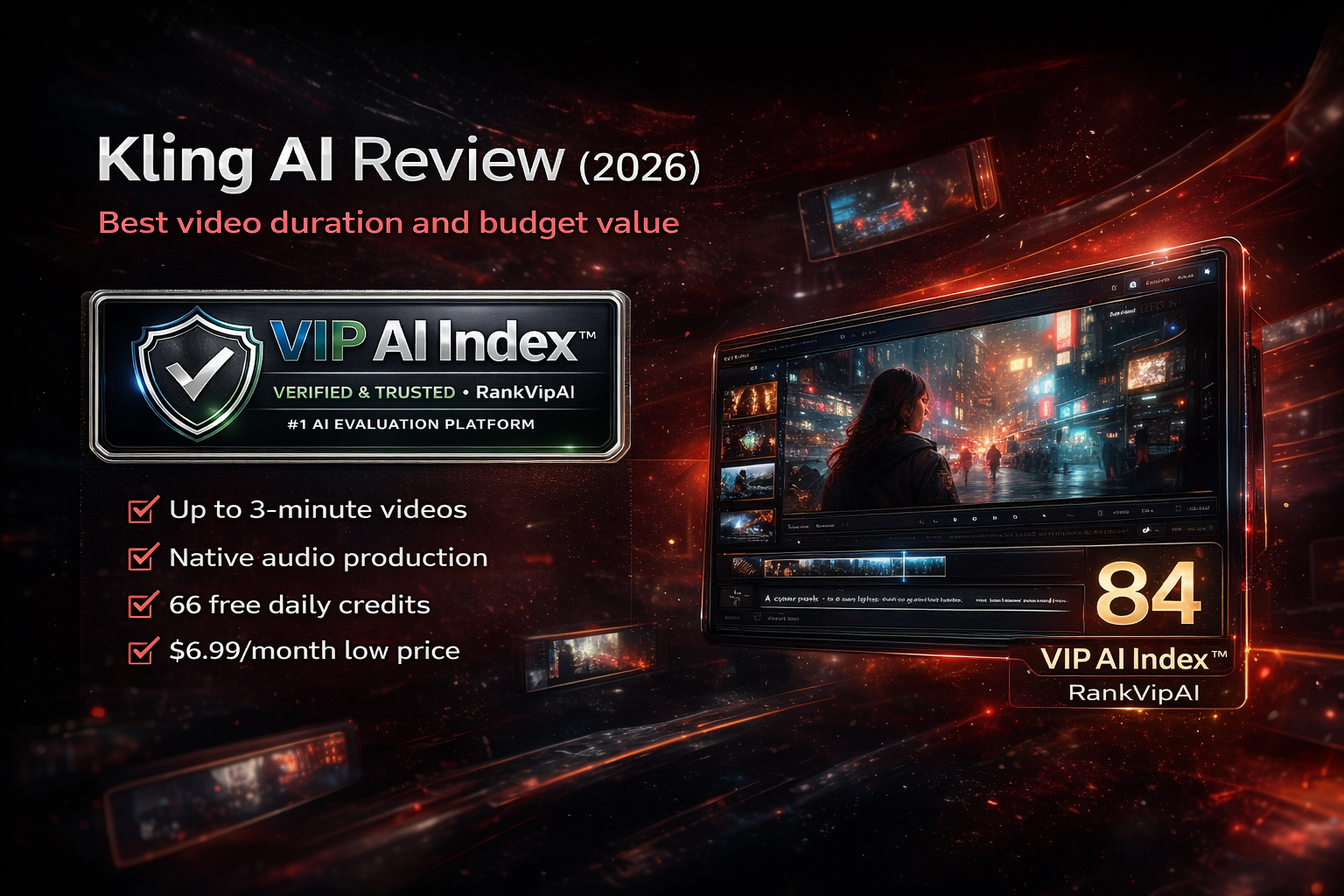
What Kling AI actually does
Longest videos in the market, multiple model versions, native audio, and stronger character consistency via Elements.
Kling AI Pricing — March 2026
Credit-based pricing. 66 free daily credits with rollover. Annual billing saves roughly 34%.
| Plan | Price | Credits | Max Duration | Resolution | Best For |
|---|---|---|---|---|---|
| Free | $0 | 66/day (rollover) | 10 seconds | 720p + watermark | Testing |
| Standard | $6.99/mo | 660/mo | 30 seconds | 720p no watermark | Casual users |
| ProPopular | $37/mo | 3,000/mo | 60 seconds | 1080p 48fps | Creators |
| Premier | $180/mo | Custom | 3+ minutes | 1080p priority | Professionals |
| API | $0.07–0.14/sec | Pay per second | Flexible | Up to 1080p | Developers |
Kling AI Pros and Cons
Kling’s value is obvious: long duration, low entry price, and increasingly advanced multimodal features. The compromises mostly appear in consistency, speed, and pricing clarity.
✓ Strengths
Kling stands out by combining unusually long AI video generation with an affordable entry point, native audio, and features that push it beyond short clip generation into more usable creator workflows.
Kling reaches up to 3 minutes, which is roughly 3–5x longer than many of its nearest competitors. That makes it much more suitable for complete stories, longer product demos, and social-first narrative content.
66 free daily credits with rollover and a $6.99/month entry plan make Kling one of the most accessible premium AI video tools for creators who want to test seriously without committing to a high monthly bill.
Kling 2.6 generates synchronized dialogue, sound effects, ambient audio, and even music-like output. It is not perfect, but it reduces post-production work and gives creators a more complete first-pass asset.
Kling Video O1 is designed to reason about physics and visual logic before rendering. It also supports editing existing videos through text prompts, which adds flexibility beyond pure generation.
Uploading up to 4 reference images gives creators a much stronger chance of keeping the same face, look, and identity through a sequence. It does not fully solve consistency, but it clearly helps.
Kling delivers hyper-realistic motion, solid lip-sync, and professional camera control options such as tracking, panning, and zooming, making it more capable than basic text-to-video tools.
✗ Weaknesses
Kling’s ceiling is impressive for the price, but users still need to accept trade-offs in quality stability, speed, consistency, and some confusing credit economics.
Kling can go much longer than rivals, but the visual quality becomes less consistent after around 30 seconds of extended generation. The duration advantage is real, but it is not completely free of trade-offs.
Credit consumption varies depending on model, duration, resolution, and audio usage. That makes it more difficult to budget accurately for production-heavy workflows compared with simpler flat-plan competitors.
High-Quality mode can take 3–4 minutes for a 10-second clip during busy periods. That is manageable for experimentation, but it becomes a real friction point in faster iteration workflows.
Elements is useful, but Runway Gen-4 still leads in this area. Kling is strong for value and duration, but it is not yet the category leader for the most demanding subject consistency use cases.
Kling 3.0 multi-character audio can sound muffled, and the output is not consistently broadcast quality. It is convenient, but not yet a full replacement for professional sound work.
There is no local GPU option, and access may be less straightforward in some regions. That makes Kling convenient for most users, but less flexible than fully local or hybrid workflows.
Kling AI Review FAQ
Yes. Kling AI offers 66 free credits daily with rollover and no credit card required to begin. The free tier is limited to 10-second videos at 720p with a watermark, but it is still good enough for meaningful testing before upgrading.
Kling currently offers multiple major model versions. O1 focuses on multimodal reasoning, Kling 3.0 focuses on multi-shot sequence generation, Kling 2.6 adds native audio, and faster variants like 2.5 Turbo prioritize speed. Each model is optimized for different trade-offs.
Up to 3 minutes through extension, making Kling the longest-duration mainstream AI video tool in this tier. Free supports 10 seconds, Standard 30 seconds, Pro 60 seconds, and higher tiers can go beyond that. Keep in mind that quality may degrade after around 30 seconds of extended generation.
Kling leads on duration and budget value. Runway, which scores 91/100, is stronger for character consistency and post-generation editing. Sora, which scores 89/100, is stronger on physics realism. Kling is the better pick when you want longer videos and lower entry cost.
Yes. Kling 2.6 introduced simultaneous audio-visual generation including dialogue, ambient sound, sound effects, and some music-like outputs. English and Chinese are supported. Audio usually costs more credits than silent generation.
Most paid plans include commercial rights, but you should still confirm the exact terms for your selected tier. Free videos include watermarks and are more limited. Kling also offers API access priced per second for product integrations.
The longest AI videos at the best price
Up to 3 minutes. Native audio. 66 free daily credits. Start creating now.
Try Kling AI Free