AI Coding Assistant Comparisons

Home/ AI Tool Comparisons/ AI Coding Assistant Comparisons/ GitHub Copilot vs Gemini Code Assist
🟡 Updated June 2026 · VIP AI Index™ scores from the official Q1 2026 table · Editorial comparison refreshed for Q2 2026 pricing, IDE support and Google Cloud positioning.
⚠️ Important Gemini update: Google’s documentation now separates Gemini Code Assist for individuals from Standard and Enterprise editions. This comparison treats Gemini Code Assist as a coding product, but the buying logic is strongest for Google Cloud, Firebase, Android Studio and enterprise development teams.
⚔️ Quick answer · GitHub Copilot wins for most developers because it scores higher, costs less at the individual Pro level, supports more everyday development surfaces and integrates directly into GitHub. Gemini Code Assist wins only when the workflow is Google Cloud, Firebase, Android Studio or GCP-heavy.
AI Coding Assistant Comparison · Q2 2026

GitHub Copilot vs Gemini Code Assist: 7 Real Differences in 2026

GitHub Copilot vs Gemini Code Assist is really a choice between the GitHub developer ecosystem and the Google Cloud developer ecosystem. GitHub Copilot is the better default for most developers: stronger VIP AI Index™ score, cheaper Pro plan, broader everyday IDE footprint and native GitHub workflow integration. Gemini Code Assist is more specialized: it becomes compelling when your real work is inside Google Cloud, Firebase, Android Studio, Cloud Shell, BigQuery, Cloud Run or enterprise Google infrastructure.

🏆 Winner: GitHub Copilot 💰 Best value: Copilot Pro ☁️ Best GCP fit: Gemini 🐙 Best GitHub flow: Copilot 🤖 Agentic chat: Both 📌 Updated: June 2026
89 vs 81
VIP AI Index™ score
$10 vs $19+
Paid plan logic
GitHub vs GCP
Core ecosystem split
Q2 2026
Editorial update

Verdict: GitHub Copilot wins overall, Gemini Code Assist wins for Google Cloud teams

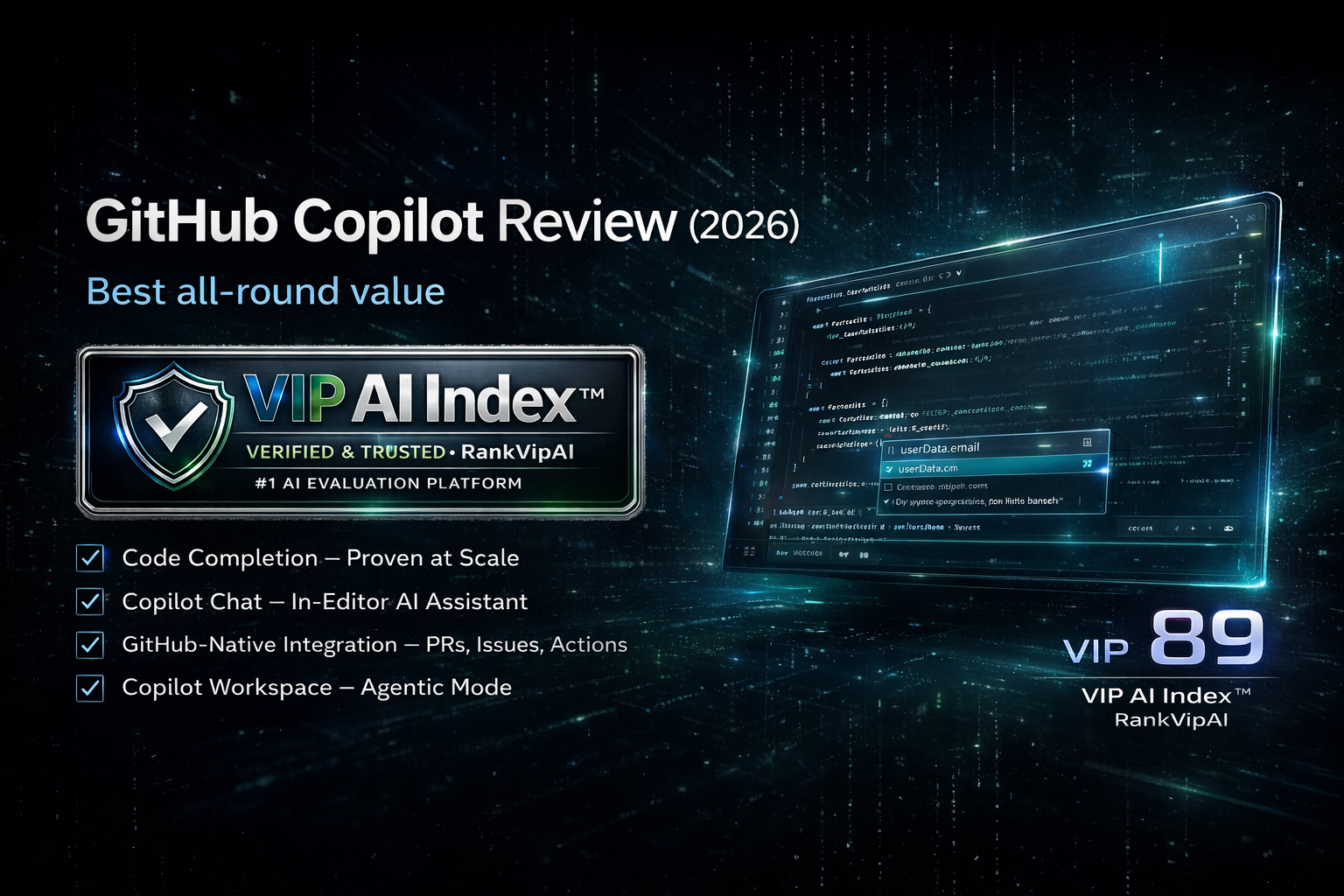
GitHub Copilot is the stronger recommendation for most developers in 2026. It scores 89/100 in the VIP AI Index™, ranks #3 in AI Coding Assistants, starts at $10/month for Pro, has a usable free plan and is deeply embedded into GitHub, VS Code, Visual Studio, JetBrains IDEs and other development surfaces.

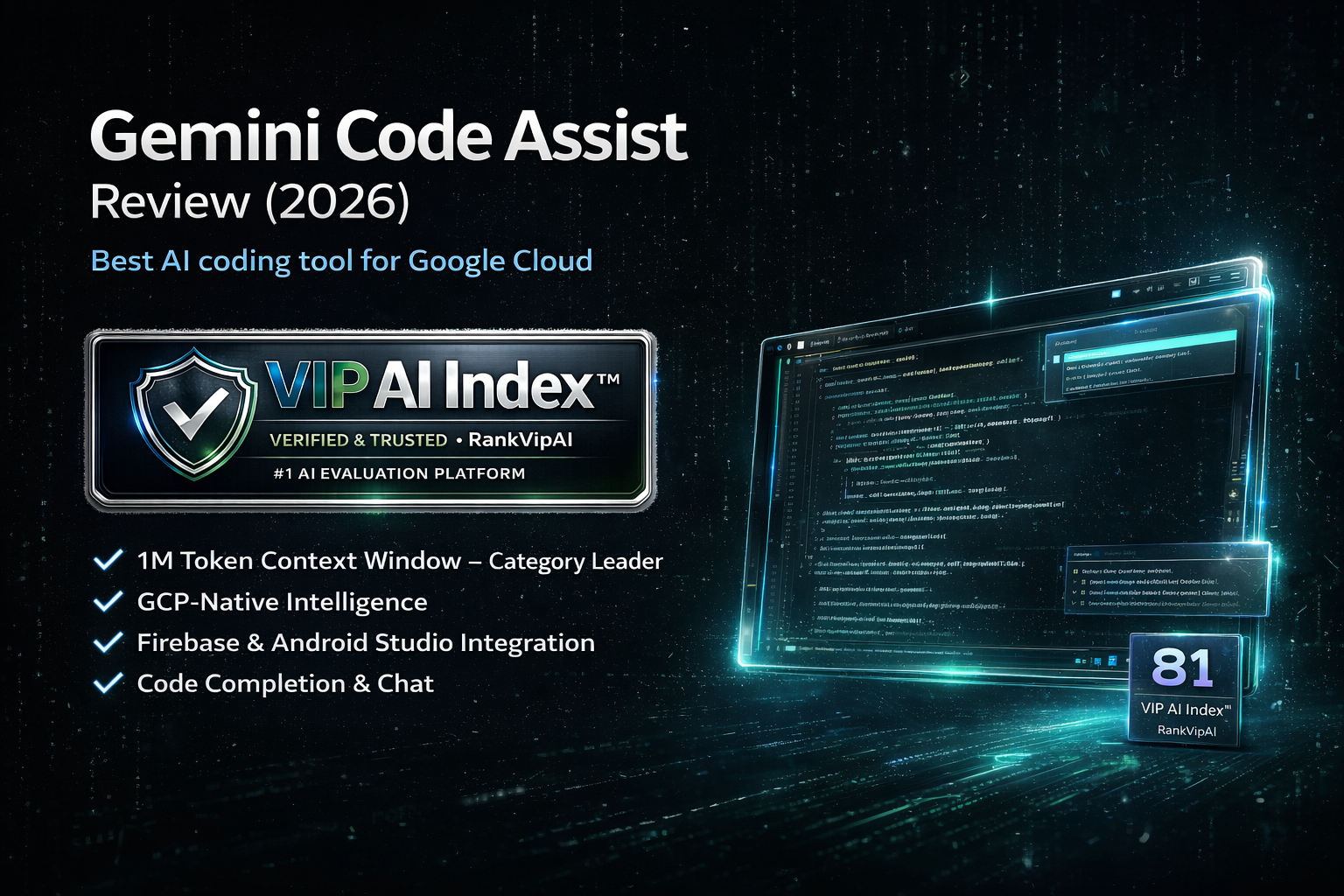
Gemini Code Assist is not weak — it is narrower. Its 81/100 score and #7 ranking reflect a tool that makes the most sense when the development workflow is Google-native: Google Cloud, Firebase, Android Studio, BigQuery, Cloud Run, Cloud Shell, Cloud Workstations and enterprise GCP environments.

The clean buying logic: choose GitHub Copilot if you want the best all-round AI coding assistant. Choose Gemini Code Assist if your code, infrastructure and developer workflow already live inside Google Cloud.

Choose GitHub Copilot when… You want the best all-round value, GitHub workflow depth, broad IDE support and stronger general coding productivity.
Choose Gemini Code Assist when… You build heavily on Google Cloud, Firebase, Android Studio, BigQuery, Cloud Run or enterprise Google infrastructure.
GitHub Copilot RankVipAI review image with 89 VIP AI Index score
Gemini Code Assist RankVipAI review image with 81 VIP AI Index score
RankVipAI Editorial Team · VIP AI Index™ methodology · Q1 2026 scores · Q2 2026 editorial update · Updated June 3, 2026
🔬 Feature test

GitHub Copilot vs Gemini Code Assist: 7 real differences that matter

These are the practical workflow differences that decide whether Copilot or Gemini Code Assist is the better AI coding assistant for your stack.

1 Winner: GitHub Copilot

Overall RankVipAI score

GitHub Copilot wins the direct ranking battle: 89/100 and #3 in AI Coding Assistants versus Gemini Code Assist at 81/100 and #7. That score gap reflects Copilot’s broader usefulness outside one cloud ecosystem.

2 Winner: GitHub Copilot

Everyday IDE productivity

Copilot is stronger as a daily coding layer across common developer environments. It is built around completions, chat, next edits, agent workflows and GitHub-native development. Gemini Code Assist is useful, but it feels more specialized around Google’s developer stack.

3 Winner: GitHub Copilot

GitHub workflow integration

If your team lives in GitHub, Copilot has the natural advantage. It connects directly with repositories, pull requests, issues, code review, GitHub.com and IDE workflows. Gemini Code Assist does not replace Copilot’s GitHub-native layer.

4 Winner: Gemini Code Assist

Google Cloud and Firebase integration

Gemini Code Assist wins when the work depends on Google Cloud. It is designed for Google Cloud services, Firebase, BigQuery, Cloud Run, Cloud Shell, Cloud Workstations and enterprise GCP development. This is its clearest advantage over Copilot.

5 Winner: GitHub Copilot

Pricing for individual developers

GitHub Copilot Pro starts at $10/month, which makes it easier to recommend for individual developers. Gemini Code Assist has individual access and business pricing, but Standard business pricing starts at a higher per-user level than Copilot Pro.

6 Winner: Gemini Code Assist

Android Studio and Google-native development

Gemini Code Assist has a strong edge for Android Studio and Google-native development contexts. If your work is Android, Firebase, Cloud Functions or Google Cloud service architecture, Gemini’s ecosystem knowledge can matter more than Copilot’s broader appeal.

7 Winner: Depends

Agentic coding

Both tools now support agentic coding workflows. Copilot is stronger when the agent sits inside GitHub and the editor. Gemini Code Assist is stronger when the agent needs Google Cloud context, Android Studio support, Google documentation grounding or GCP-specific development help.

Final split

The real difference

GitHub Copilot is the better general AI coding assistant. Gemini Code Assist is the better Google Cloud coding assistant. The right choice depends on whether your development center of gravity is GitHub or Google Cloud.

📊 Head-to-head

GitHub Copilot vs Gemini Code Assist comparison table

A direct feature, pricing, score and workflow comparison for developers choosing between Copilot and Gemini in 2026.

Category GitHub Copilot Gemini Code Assist Winner
VIP AI Index™ score 89/100 · VIP Elite · #3 AI Coding Assistants 81/100 · VIP Pick · #7 AI Coding Assistants GitHub Copilot
Best for Best all-round value, general coding, GitHub workflows Google Cloud developers, Firebase teams, Android Studio users Depends on ecosystem
Starting paid plan $10/month Copilot Pro Standard annual business pricing from $19/user/month; monthly Standard from $22.80/user/month GitHub Copilot
Free access Copilot Free with limited completions, CLI and limited chat/agent usage Gemini Code Assist for individuals available at no cost, with changing product availability details in 2026 Copilot for stability
IDE and platform support GitHub, VS Code, Visual Studio, Xcode, JetBrains, Neovim, Eclipse, Raycast, SSMS, Zed VS Code, JetBrains IDEs, Android Studio, Cloud Shell Editor, Cloud Workstations GitHub Copilot for breadth
GitHub workflow Native GitHub advantage Can support repositories, but not the same GitHub-native product layer GitHub Copilot
Google Cloud workflow Can help with GCP code, but not Google-native Google Cloud, Firebase, BigQuery, Cloud Run, Cloud Shell and Cloud Workstations Gemini Code Assist
Android Studio Not the strongest native Android Studio story Supported Google-native Android workflow Gemini Code Assist
Agentic coding Copilot agents, GitHub cloud agent, code review and advanced model workflows depending on plan Agentic chat with system tools and MCP server workflows Depends on workflow
Best buyer profile Most developers, GitHub teams, VS Code and JetBrains users, cost-sensitive developers Google Cloud, Firebase, Android, BigQuery and enterprise GCP teams Copilot for mainstream use
Pricing and product access can change quickly in AI coding tools. This page uses VIP AI Index™ Q1 2026 scores and Q2 2026 public product/pricing information.
🧭 Buying logic

Which should you choose?

The decision is not just “GitHub Copilot vs Gemini.” It is whether your development workflow is centered on GitHub or Google Cloud.

Best for most developers

Choose GitHub Copilot

Pick Copilot if you want the better all-round AI coding assistant for daily coding, autocomplete, chat, GitHub PRs, issues, reviews, broad IDE support and strong value at $10/month Pro.

Best for Google Cloud

Choose Gemini Code Assist

Pick Gemini Code Assist if your stack runs on Google Cloud, Firebase, BigQuery, Cloud Run, Cloud Shell, Cloud Workstations or Android Studio. That is where Gemini’s advantage becomes real.

Best hybrid setup

Use both selectively

Some teams can use Copilot as the main daily coding assistant and Gemini Code Assist for Google Cloud-specific work, Firebase debugging, Android Studio and GCP service guidance.

💰 Pricing

GitHub Copilot vs Gemini Code Assist pricing in 2026

Copilot wins the individual pricing battle. Gemini Code Assist becomes more logical when evaluated as a Google Cloud business or enterprise development product.

Plan logic GitHub Copilot Gemini Code Assist Practical meaning
Free tier Copilot Free with limited monthly completions, Copilot CLI and limited chat/agent usage Gemini Code Assist for individuals available at no cost, but Google’s product availability details are changing in 2026 Both can be tested, but Copilot is easier to position for mainstream developers
Individual paid starting point $10/month Copilot Pro Business-oriented pricing starts higher than Copilot Pro Copilot is cheaper for everyday individual coding
Standard business pricing Business plans available for teams $22.80/user/month monthly or $19/user/month with annual commitment Gemini Standard is mainly a business/GCP decision
Enterprise pricing Copilot Business and Enterprise plans available $54/user/month monthly or $45/user/month with annual commitment Gemini Enterprise is for organizations needing deeper Google Cloud and private code customization
Usage model Base plan pricing plus AI Credits for chat, agent mode and advanced workflows Per-user monthly or annual licensing with Google Cloud product structure Heavy users should check current limits before buying either tool
RankVipAI pricing guidance is editorial and should be checked against the official checkout pages before purchase because AI coding products are changing usage limits, credits and plan packaging quickly in 2026.
⚖️ Pros & cons

GitHub Copilot vs Gemini Code Assist pros and cons

GitHub Copilot strengths

  • Higher RankVipAI score: 89/100 versus Gemini Code Assist at 81/100.
  • Cheaper individual Pro plan at $10/month.
  • Broad development surface: GitHub, VS Code, Visual Studio, JetBrains, Neovim, Xcode, Eclipse, Zed and more.
  • Strongest GitHub-native workflow for repositories, pull requests, issues, code review and GitHub.com.
  • Best all-round value for most developers and teams.

GitHub Copilot limitations

  • Not as Google Cloud-native as Gemini Code Assist.
  • Less specialized for Firebase, BigQuery, Cloud Run, Cloud Shell and Android Studio workflows.
  • Advanced agentic usage and premium models can depend on AI Credits and plan limits.
  • Less compelling if your company’s development center of gravity is Google Cloud rather than GitHub.

Gemini Code Assist strengths

  • Best fit for Google Cloud developers, Firebase teams and Android Studio users.
  • Supports VS Code, JetBrains IDEs, Android Studio, Cloud Shell Editor and Cloud Workstations.
  • Strong Google Cloud service context across GCP development workflows.
  • Business editions include enterprise-grade security, code customization and Google Cloud integrations.
  • Useful agentic chat and Google documentation/context grounding for cloud development tasks.

Gemini Code Assist limitations

  • Lower RankVipAI score than GitHub Copilot: 81/100 vs 89/100.
  • Less attractive than Copilot for general-purpose individual coding.
  • Business pricing starts higher than Copilot Pro for many users.
  • Its strongest value is concentrated inside Google Cloud rather than being universal.
  • Product availability details around individual IDE/CLI usage are changing in 2026, so users should verify current access before adopting.
❓ FAQ

GitHub Copilot vs Gemini Code Assist FAQ

Search-focused answers for the most common decision questions around Copilot, Gemini, Gemini Code Assist, pricing, IDE support and Google Cloud development.

GitHub Copilot is better for most developers in 2026. It scores 89/100 in the VIP AI Index™, while Gemini Code Assist scores 81/100. Copilot wins for general coding, value, GitHub workflow and broad IDE support. Gemini Code Assist wins for Google Cloud, Firebase and Android Studio teams.

For general coding, yes. GitHub Copilot is the stronger default because it is cheaper at the Pro level, has broader platform support and integrates directly with GitHub workflows. Gemini Code Assist is better when “Gemini for coding” really means Google Cloud, Firebase or Android Studio development.

No. Gemini is Google’s broader AI assistant and model family. Gemini Code Assist is the developer-focused product for coding assistance, IDE support, code completion, chat, Google Cloud workflows and business development teams.

Not for most individual developers. GitHub Copilot Pro starts at $10/month. Gemini Code Assist has individual access and business pricing, but Standard business pricing starts at $19/user/month with annual commitment or $22.80/user/month monthly. For individual value, Copilot wins.

Gemini Code Assist is usually better for Google Cloud developers because it is designed around Google Cloud services, Firebase, BigQuery, Cloud Run, Cloud Shell, Cloud Workstations and Android Studio. Copilot can still write GCP code, but Gemini has the ecosystem advantage there.

GitHub Copilot is better for GitHub teams because it is built directly into the GitHub development workflow. It fits repositories, pull requests, issues, code review, GitHub.com and IDE coding more naturally than Gemini Code Assist.

Yes. Gemini Code Assist supports VS Code and JetBrains IDEs, and Google’s documentation also lists Android Studio, Cloud Shell Editor and Cloud Workstations in supported development environments. Copilot still has broader overall platform visibility across the developer ecosystem.

For general coding, yes. For Google Cloud-specific workflows, not perfectly. Copilot is better as an all-round assistant, but Gemini Code Assist has a real advantage when the task depends on Google Cloud services, Firebase, BigQuery, Cloud Run, Android Studio or Google-native enterprise development.

Choose Copilot for general coding. Choose Gemini Code Assist for Google Cloud development.

GitHub Copilot is the better all-round AI coding assistant. Gemini Code Assist is the better fit when your development workflow is already built around Google Cloud, Firebase, Android Studio and enterprise GCP services.

📖 Related comparisons

The smartest next reads after GitHub Copilot vs Gemini Code Assist

Use these internal pages to continue the AI coding assistant comparison journey and strengthen the RankVipAI internal link cluster.

Independent AI rankings, reviews, and comparisons powered by the VIP AI Index™ — built for readers who want clearer research, faster decisions, and no paid placements.

contact@rankvipai.com
No paid placements • Research-driven reviews • Updated for 2026
© 2026 RankVipAI. Independent AI tool rankings. Not affiliated with any AI company.