Adobe Firefly Review 2026 — 87/100 | VIP AI Index™
Adobe Firefly is Adobe's native generative AI platform — built into Photoshop, Illustrator and available standalone at firefly.adobe.com. In this independent 2026 review, we score it 87/100 in the VIP AI Index™, covering features, Photoshop integration, pricing, honest limitations, and how it compares to Midjourney and DALL-E 3.
Quick Verdict — Adobe Firefly Score Breakdown
- ✓ Designers using Photoshop Generative Fill and Generative Expand
- ✓ Marketers creating campaign visuals, mockups and branded assets
- ✓ Creative Cloud users who want AI inside their existing workflow
- ✓ Teams that care about Content Credentials and commercial-safety positioning
- ✓ Beginners who want a cleaner, less technical AI image workflow
- ✗ Artists chasing the most cinematic or gallery-level output
- ✗ Users who only want cheap image generation with no Adobe ecosystem
- ✗ Prompt-engineering power users who want extreme style control
- ✗ Heavy daily generation without watching credits or plan limits
- ✗ Buyers expecting every beta/partner-model output to have identical rights terms
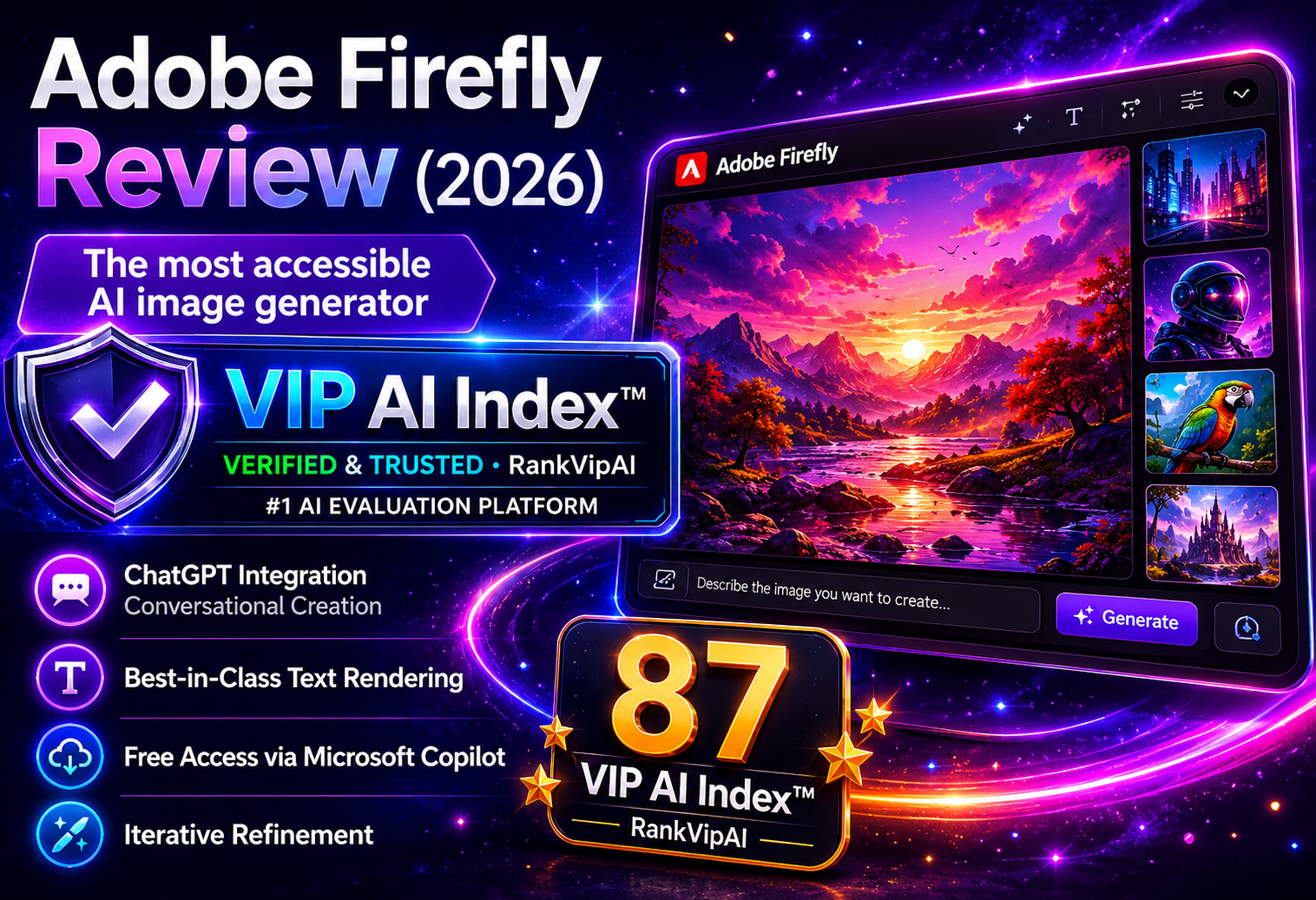
What Adobe Firefly actually does
Firefly is now a broader creative AI platform: image generation, AI editing, Photoshop workflows, video/audio premium features, partner models and brand-safe production use cases.
Adobe Firefly Inside Photoshop & Creative Cloud
This is the section the old page was missing. Firefly is not just a prompt box. Its biggest SEO and conversion angle is direct integration with Adobe’s professional creative apps.
Adobe Firefly Pricing — Updated May 11, 2026
The previous version of this page mixed in non-Firefly pricing. The corrected table below reflects Adobe Firefly plans, monthly generative credits and Creative Cloud access as checked on May 11, 2026.
| Plan | Monthly price | Generative credits | Standard image features | Photoshop / Express | Best for |
|---|---|---|---|---|---|
| Firefly Free | Free Limited access |
Limited complimentary use | Limited access | Not full app access | Testing Firefly before paying |
| Firefly Standard | US$9.99/mo Monthly |
2,000 credits/month | Unlimited standard image features | Firefly web/mobile + Adobe Fonts | Regular image/audio/video experimentation |
| Firefly ProBest Value | US$19.99/mo Monthly |
4,000 credits/month | Unlimited standard image features | Adobe Express Premium + Photoshop web/mobile | Creators who want Photoshop + Firefly |
| Firefly Pro Plus | US$49.99/mo Promo shown by Adobe: US$24.96/mo until May 20 |
10,000 credits/month | Unlimited standard image features | Adobe Express Premium + Photoshop web/mobile | Higher-volume creative AI work |
| Firefly Premium | US$199.99/mo Promo shown by Adobe: US$99.86/mo until May 20 |
50,000 credits/month | Unlimited standard image features | Adobe Express Premium + Photoshop web/mobile | Teams and heavy creative production |
Pricing and promotional availability can change. Always verify final price, region, tax, credit limits and model restrictions on Adobe before purchase.
Adobe Firefly vs Midjourney vs DALL-E 3
The corrected comparison: Firefly is the Adobe workflow winner, Midjourney is the aesthetic winner, and DALL-E 3 / ChatGPT image tools are the conversational-access winner.
| Feature | Midjourney | Adobe Firefly | DALL-E 3 / ChatGPT Images |
|---|---|---|---|
| VIP AI Index™ Score | 93 — VIP Pick | 87 — VIP Pick | 86 — VIP Pick |
| Category role | Best artistic image generator | Best Adobe / Photoshop workflow | Best conversational image access |
| Visual aesthetics | Best for cinematic / gallery-level output | Clean, commercial, practical | Strong prompt-following and everyday use |
| Photoshop integration | No | Yes — Generative Fill / Expand | No native Photoshop workflow |
| Commercial-safety positioning | Less clear for enterprise use | Strongest Adobe positioning | Good general use; check policy and model terms |
| Content Credentials | Limited / varies | Automatically applied on Firefly outputs and APIs | C2PA support exists for ChatGPT image outputs |
| Best for | Artists, visual directors, cinematic concepts | Designers, marketers, Creative Cloud users | Casual users, ChatGPT users, quick prompt-to-image workflows |
| Main weakness | Learning curve and weaker text/control for production layouts | Less visually iconic than Midjourney | Less tied to Adobe professional editing workflow |
How RankVipAI scored Adobe Firefly
The 87/100 score is based on practical category fit, workflow value, creative quality, commercial-readiness, pricing clarity and retention value for real users — not only raw image beauty.
| Scoring area | Adobe Firefly result | Why it matters |
|---|---|---|
| Workflow integration | Very strong | Photoshop, Creative Cloud, Firefly web and standard image features make it practical for production. |
| Output quality | Strong, not category-leading | Firefly is cleaner and practical, but Midjourney remains stronger for pure aesthetics. |
| Commercial confidence | Strong | Adobe’s business positioning, responsible training approach and Content Credentials help trust. |
| Pricing clarity | Medium | Credits, standard/premium features and promotional pricing can be confusing for new users. |
| Beginner usability | Strong | Firefly is easier than advanced prompt tools and integrates with workflows users already know. |
Pros & Cons of Adobe Firefly
The honest version: Adobe Firefly is excellent for Adobe workflows and commercial design confidence, but it is not automatically the best choice for every AI image creator.
✓ Strengths
Firefly’s strongest advantage is not novelty. It is production usefulness inside Adobe’s creative ecosystem.
Generative Fill and Generative Expand make Firefly useful for professional editing instead of only prompt-based image generation.
Adobe positions Firefly as responsible and safe for business, with qualifying-plan IP indemnification and responsible training claims.
Firefly-generated content gets Content Credentials, helping users communicate AI involvement and production history.
The 2026 Firefly paid plan structure is far stronger than the old page suggested: Standard starts at 2,000 monthly credits, with higher tiers for heavier creative work.
✗ Weaknesses
The biggest mistake is treating Firefly as the universal best AI image generator. It is not. It is best when Adobe workflow matters.
If the user only wants the most cinematic, beautiful or stylized image, Firefly is usually not the first choice.
Standard features, premium features, partner models, monthly credits and promotional unlimited generations can be difficult for new buyers to understand.
Firefly is much easier to justify for Photoshop, Express or Creative Cloud users. Standalone casual users may prefer cheaper or simpler alternatives.
Firefly’s own Adobe models and partner models may have different credit consumption, limits and commercial terms. Serious business users should verify before production.
Adobe Firefly Review FAQ
Yes. Adobe Firefly can be started for free with limited access to standard and premium creative AI features. The free tier is best for testing the workflow, not for heavy daily production.
As checked on May 11, 2026, Adobe lists Firefly Standard at US$9.99/mo, Firefly Pro at US$19.99/mo, Firefly Pro Plus regularly at US$49.99/mo, and Firefly Premium regularly at US$199.99/mo. Promotional prices may change by date and region.
Adobe’s May 2026 plan table lists 2,000 monthly credits on Firefly Standard, 4,000 on Firefly Pro, 10,000 on Firefly Pro Plus and 50,000 on Firefly Premium. Credits do not roll over month to month.
Yes. Firefly powers Generative Fill and Generative Expand inside Photoshop. You can select part of an image, type a prompt, generate variations and keep editing with Photoshop tools.
Firefly is better for Adobe workflow, Photoshop editing, commercial-safety positioning and Content Credentials. Midjourney is still better for pure artistic aesthetics and cinematic output.
Adobe positions Firefly as safe for business and says qualifying plans may include IP indemnification. Still, users should verify the exact plan, feature, beta status, partner model and regional terms before using outputs commercially.
Adobe Firefly is built for Adobe creative workflows, Photoshop, Creative Cloud, Content Credentials and practical production design. DALL-E 3 and newer ChatGPT image tools are stronger for conversational image generation inside ChatGPT.
Best for Adobe creators — not just AI image prompts
Use Firefly if you want generative AI inside a real creative workflow: Photoshop edits, Creative Cloud access, Content Credentials, monthly credits and practical production use cases.
Try Adobe Firefly Free →