OpenAI Codex Review
This OpenAI Codex review explains why Codex scores 82/100 in AI Coding Assistants in 2026. We cover asynchronous cloud execution, sandboxed environments, GitHub workflows, API automation, and whether Codex is the best autonomous coding agent for background task delegation.
OpenAI Codex Review Verdict — March 2026
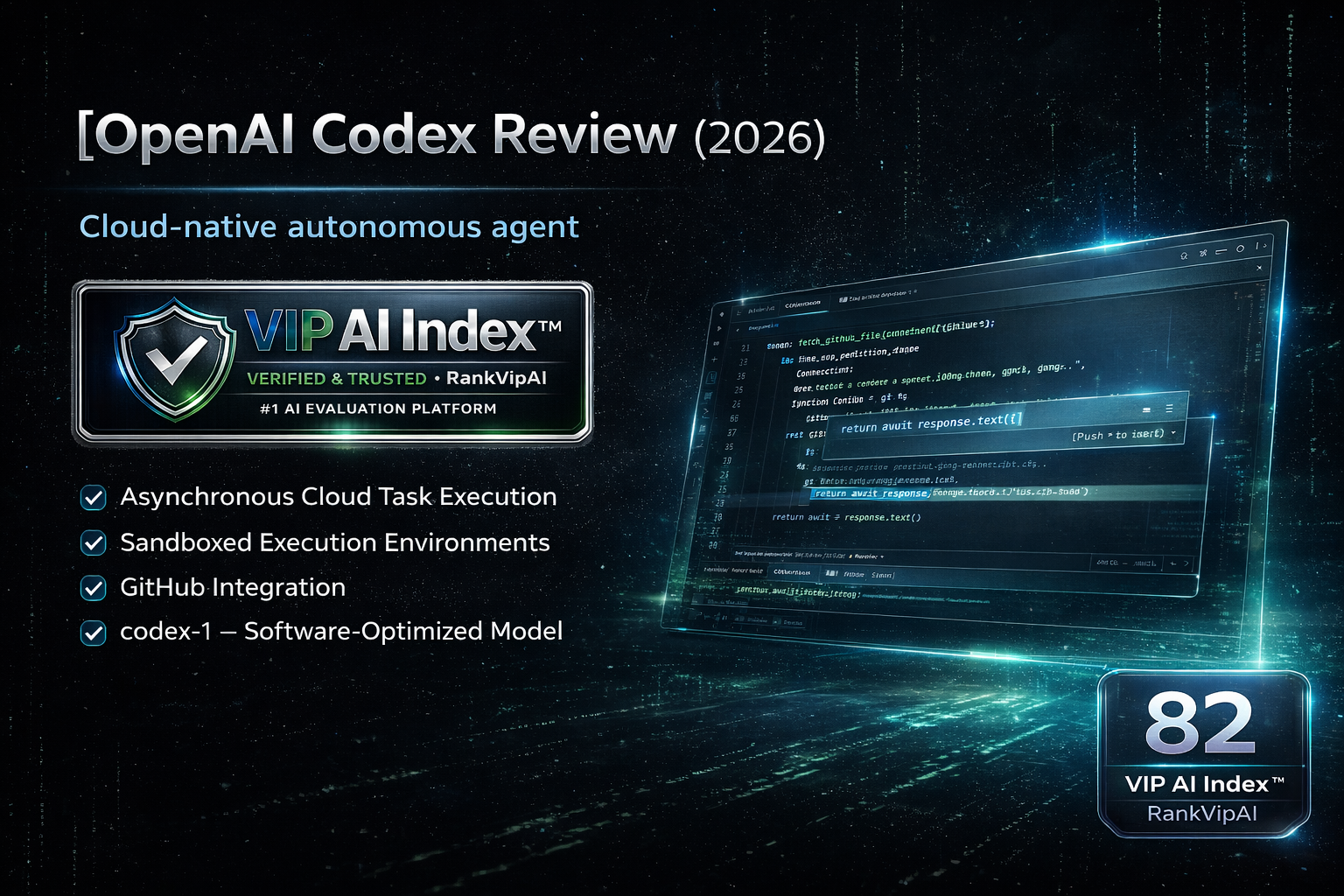
What OpenAI Codex actually does
Codex’s architecture is fundamentally different from IDE-based tools. Understanding the asynchronous, cloud-native model is the key to knowing whether it fits your workflow.
Codex cloud agent vs IDE-based tools
Codex is not a replacement for Cursor or Copilot. It is a different type of tool for a different type of work, and understanding that distinction is essential before choosing.
OpenAI Codex pricing — March 2026
Codex is available through ChatGPT Pro and directly via the OpenAI API. The access model reflects its cloud-native, consumption-based architecture.
| Access path | Price | Codex tasks | Parallel tasks | GitHub integration | API access | Custom workflows |
|---|---|---|---|---|---|---|
| ChatGPT ProEasiest to start | $200/mo Full ChatGPT Pro plan |
Included (limits apply) | ✓ multiple | ✓ GitHub connect | ✗ | ✗ |
| OpenAI API | Pay-per-use Token-based pricing |
Unlimited (billed) | ✓ rate limited | ✓ full | ✓ full | ✓ pipelines · CI/CD |
| Enterprise API | Custom Volume discounts |
Unlimited | ✓ higher limits | ✓ full | ✓ full | ✓ SLA · compliance |
Codex vs Claude Code vs Cursor Agent
Comparing Codex to IDE-based tools is comparing different workflow models. This table shows where each tool actually competes.
| Feature | OpenAI Codex | Claude Code | Cursor Agent |
|---|---|---|---|
| VIP AI Index™ Score | ★ 82 — VIP Pick | 90 — VIP Elite · #2 | 92 — VIP Elite · #1 |
| Execution model | ★ Async cloud — no editor needed | Synchronous CLI — terminal session | Synchronous IDE — editor open |
| Parallel task execution | ★ Yes — multiple simultaneous tasks | No — sequential sessions | No — one task at a time |
| Sandboxed environment | ★ Cloud sandbox — isolated by default | Local — permission model only | Local — permission model only |
| Real-time interactive coding | ✗ Not designed for this | ✓ Full CLI session | ★ Best — inline, Tab, chat |
| Tab autocomplete | ✗ Not available | ✗ Not available | ★ Best in category |
| GitHub PR delivery | ★ Native — tasks deliver PRs | Via git commands | Via git integration |
| CI/CD pipeline integration | ★ API — automatable | Limited | Limited |
| Best for | Batch tasks, parallel work, automated pipelines, issue-to-PR | Complex autonomous tasks, any IDE, MCP integration | Daily coding, best interactive AI pair-programmer |
OpenAI Codex strengths and weaknesses
Based on hands-on testing of cloud task execution, GitHub PR workflows, and API integration in Q1 2026.
✓ Strengths
Codex’s upside is very clear: it introduces a genuinely different productivity model built around delegation, parallel execution, and safe cloud-based autonomy.
No other top-ranked coding tool lets you queue multiple autonomous tasks and review them later in the same way. This represents a different productivity model than live editor assistance.
Because Codex runs in isolated cloud environments with network disabled by default, it is better suited to governance-conscious teams than tools that execute directly on the local machine.
For teams with well-maintained GitHub Issues, Codex turns a groomed backlog item into a delegated implementation step rather than a full manual development session.
Codex can run tests, interpret failures, and iterate before handing work back. On projects with good test coverage, this makes the output more robust than one-shot generation.
Because Codex can be called through the API, it can sit inside CI pipelines, automation scripts, issue workflows, and internal tooling instead of being limited to a single person’s editor.
The model is specialized for software execution loops, not just raw code generation, which improves performance on the exact class of tasks Codex is meant to automate.
✗ Weaknesses
The trade-off is equally clear: Codex is powerful for a narrower class of workflows, but it does not replace daily interactive coding tools for most developers.
Codex is excellent for delegation, but most daily development work is interactive. The majority of developers still spend most of their time writing, exploring, debugging, and refactoring in real time.
Until OpenAI offers more focused pricing paths, Codex through ChatGPT Pro is hard to justify on cost alone for many solo developers who mainly want coding automation.
Codex has no Tab completion, no live inline editing, and no persistent editor-side feedback loop. That makes it the wrong tool for day-to-day interactive coding.
Codex works best when the task is discrete, scoped, and clearly specified. Developers who give vague prompts or ambiguous implementation goals will get weaker outcomes.
As a 2025 cloud agent, Codex still trails more mature autonomous tooling in some edge cases, failure recovery patterns, and consistency on complex real-world engineering tasks.
OpenAI Codex FAQ
The name Codex has a confusing history. The original Codex API model from 2021 was deprecated. The product reviewed here is the newer cloud-native Codex agent launched as an autonomous software engineering tool, accessible through ChatGPT Pro and the OpenAI API, and powered by codex-1. In 2025–2026 coverage, “Codex” refers to this newer agent product, not the old API model.
Standard ChatGPT coding is conversational: you ask questions and get code back in chat. Codex is an agent: it takes a task, provisions a sandbox, executes the work autonomously, runs tests, iterates, and returns a complete result. It also integrates with GitHub repositories and can deliver pull requests, which is a fundamentally different workflow.
Codex performs best on tasks that are well-defined, scoped, and verifiable. Strong examples include writing tests, generating documentation, routine refactoring, implementing clearly specified backlog items, investigating reproducible bugs, and handling repetitive maintenance work. It is weaker on ambiguous, exploratory, or heavily interactive development tasks.
For most developers, this is not an either-or choice. Cursor and Copilot are daily coding companions, while Codex is a task delegate. A common pattern is to use Cursor or Copilot for interactive coding and Codex for background batches like tests, documentation, or routine issue implementation. If you must choose only one, most developers will get more daily value from Cursor or Copilot than from Codex alone.
OpenAI’s default policy for API and ChatGPT Pro usage is that customer data is not used for training unless you opt in. Codex tasks run in isolated sandboxed environments with network disabled by default, and repository access is limited to what you explicitly authorize via GitHub. For stricter enterprise requirements, teams should review OpenAI’s enterprise data handling terms.
As of March 2026, Codex is available through ChatGPT Pro and through the OpenAI API. It is not included in ChatGPT Plus. For teams evaluating Codex primarily for automation, API access is usually the more economical option because you pay for actual usage instead of a flat subscription bundle.
Autonomous coding tasks — delegate while you focus on other work
Cloud-native agent. Parallel execution. GitHub integration. Sandboxed and safe.
Access OpenAI Codex →