Microsoft Copilot Review 2026
Microsoft Copilot is embedded directly into Word, Excel, PowerPoint, Outlook, and Teams. It adds Agent Mode for multi-step tasks, Work IQ grounding across your organization’s data, GPT-5.2 reasoning, and a workflow designed for teams already living inside Microsoft 365.
Microsoft Copilot Review Verdict — March 2026
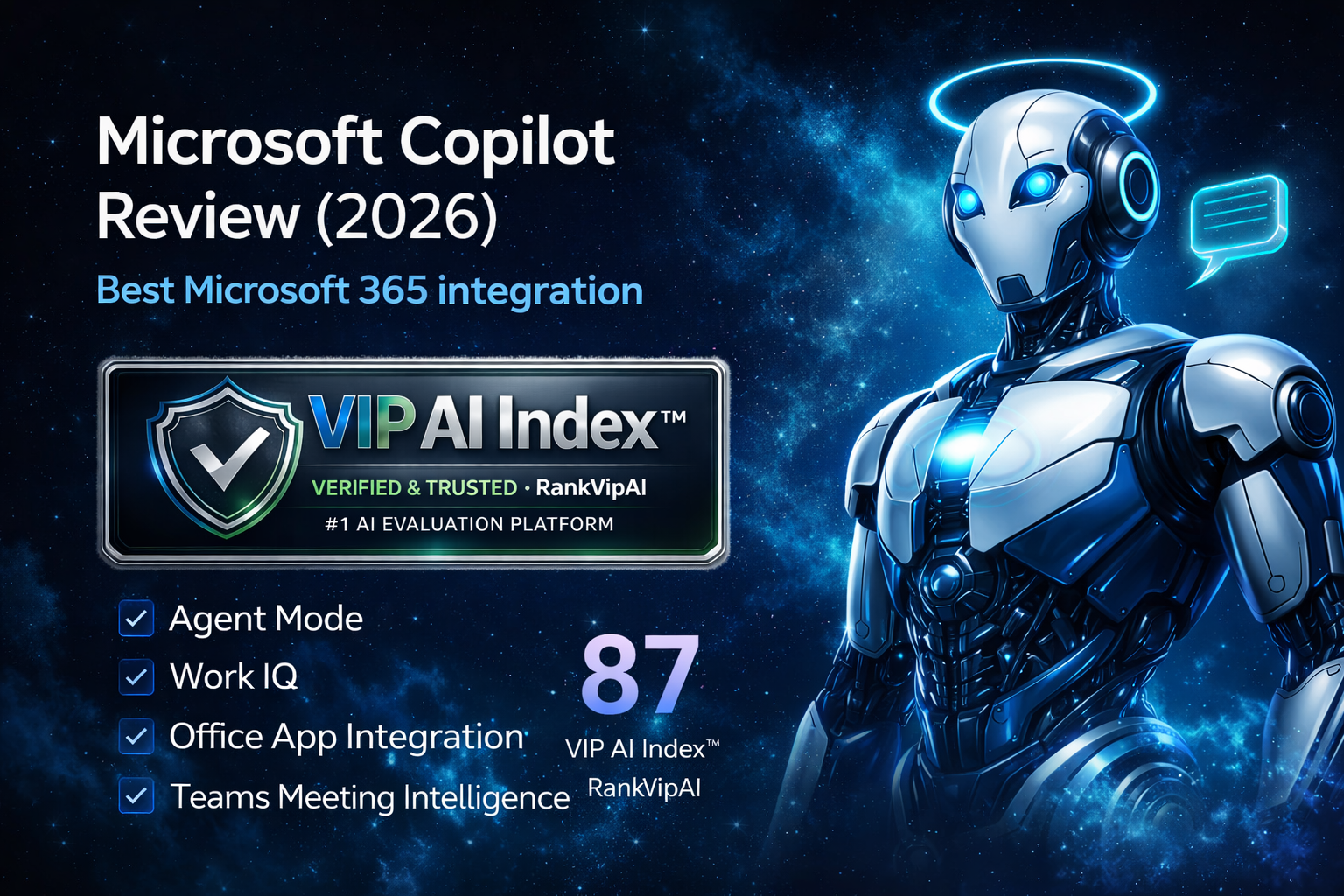
What Microsoft Copilot actually does
AI embedded in Office apps, Agent Mode, and Work IQ — your work context, not generic answers.
Microsoft Copilot pricing — March 2026
Free Copilot Chat exists for Microsoft 365 users. Copilot Pro targets individuals, while Microsoft 365 Copilot for business adds the highest value only if your team already pays for the Microsoft stack.
| Plan | Price | Prerequisites | Key features | Best for |
|---|---|---|---|---|
| Copilot (Free) | $0 | None | Web chat, GPT-4, limited daily use | Casual users |
| Copilot Chat | $0 | Microsoft 365 + Entra account | Enterprise chat, inbox/calendar reasoning, Agent Mode on web | Microsoft 365 users |
| Copilot Pro | $20/mo | Microsoft 365 Personal or Family | Priority GPT-4 Turbo, image boosts, Office app integration | Individuals |
| M365 CopilotBusiness | $30/user/mo + base M365 license |
Business Standard, Business Premium, E3, or E5 | Full Work IQ, Agent Mode, Teams recaps, org data grounding | Organizations |
| M365 Premium | ~$22/user/mo Bundled introductory |
New customers | M365 Business + Copilot bundled, promotional pricing | New SMBs |
* True Microsoft 365 Copilot cost: $30 add-on + base license ($12.50–$57) = $42.50–$87 per user per month. Pricing changes July 1, 2026.
What works and what does not
Copilot’s value comes from integration depth. Its main downside is that much of that value only appears if your organization is already fully committed to Microsoft 365.
✓ Strengths
The strongest part of Microsoft Copilot is not being a standalone chatbot. It is the fact that AI is already sitting inside the tools where many teams spend the entire working day.
Copilot is built directly into Word, Excel, PowerPoint, Outlook, and Teams, so users do not need to copy information into a separate chatbot window to get work done.
Responses use your organization’s emails, documents, calendars, relationships, and chats through Microsoft Graph, which makes Copilot feel far more contextual than generic AI chat.
Agent Mode can reason through edits and create richer outputs in Word, Excel, and PowerPoint, turning a single prompt into a more complete draft or workflow.
With 430M+ Microsoft 365 users and 90% of Fortune 500 organizations in the ecosystem, Copilot benefits from a huge installed base and fast, frequent feature releases.
For users already inside Microsoft 365 with an Entra account, Copilot Chat provides enterprise-grade AI with inbox and calendar reasoning at no extra cost.
Meeting summaries, decisions, action items, and shared-screen awareness make Copilot especially useful for distributed teams that live in Teams every day.
✗ Weaknesses
The main trade-off is straightforward: Copilot can be excellent inside Microsoft 365, but its economics and value proposition weaken sharply outside that environment.
The $30 per-user Copilot add-on still requires a base Microsoft 365 subscription, so the real business cost lands closer to $42.50–$87 per user per month.
Copilot is much less compelling for teams using Google Workspace or mixed environments, because its best features only show up when Microsoft Graph and Office apps are central to your workflow.
Teams meeting intelligence and other workflow-heavy features are more limited or unavailable for personal accounts, which reduces parity between consumer and business experiences.
Microsoft has already announced commercial pricing changes effective July 1, 2026, which matters for budgeting and long-term seat planning.
ChatGPT and Claude remain stronger as pure standalone AI tools. Copilot wins when the evaluation prioritizes in-workflow integration rather than raw general-purpose chatbot strength.
Between free Copilot, Copilot Chat, Copilot Pro, bundled offers, base Microsoft 365 requirements, and business plans, the licensing structure is more complex than it should be.
Microsoft Copilot FAQ
The basic web Copilot is free for anyone. Copilot Chat with inbox and calendar reasoning is free for Microsoft 365 users with an Entra account. Copilot Pro at $20/mo adds Office app integration for individuals, while Microsoft 365 Copilot at $30/user/mo is the business add-on that still requires a base Microsoft 365 license.
Agent Mode turns Copilot into an agent-style assistant that can run multi-step tasks across Word, Excel, and PowerPoint. It actively edits documents while reasoning through changes, helping create complete drafts with richer structure and formatting from a single prompt. It rolled out in January 2026.
The $30/user/month add-on requires a qualifying Microsoft 365 license. Depending on the base plan, the true cost lands around $42.50 to $87 per user per month.
ChatGPT scores higher as a standalone chatbot and remains stronger for general creative and coding use. Copilot wins on integration because it is embedded into Office apps and uses your organization’s data through Microsoft Graph. If your work lives inside Microsoft 365, Copilot feels more seamless. For broader standalone AI use, ChatGPT is stronger.
Work IQ is the intelligence layer that grounds Copilot in your work context through Microsoft Graph. It connects emails, calendars, documents, chats, workflows, and relationships, while Copilot Memory learns your style and preferences for more personalized responses.
Yes. Copilot Pro at $20/mo works with Microsoft 365 Personal or Family and adds AI inside Word, Excel, PowerPoint, Outlook, and OneNote. However, more advanced collaboration workflows such as business-grade Teams meeting intelligence are reserved for commercial accounts.
AI where you already work
Embedded in Word, Excel, PowerPoint, Outlook, and Teams. Work IQ grounds responses in your data, while Agent Mode automates multi-step tasks inside Microsoft 365.
Try Copilot Free