Adobe Firefly Review 2026: Best AI Design Tool for Brand-Safe Creative Work?
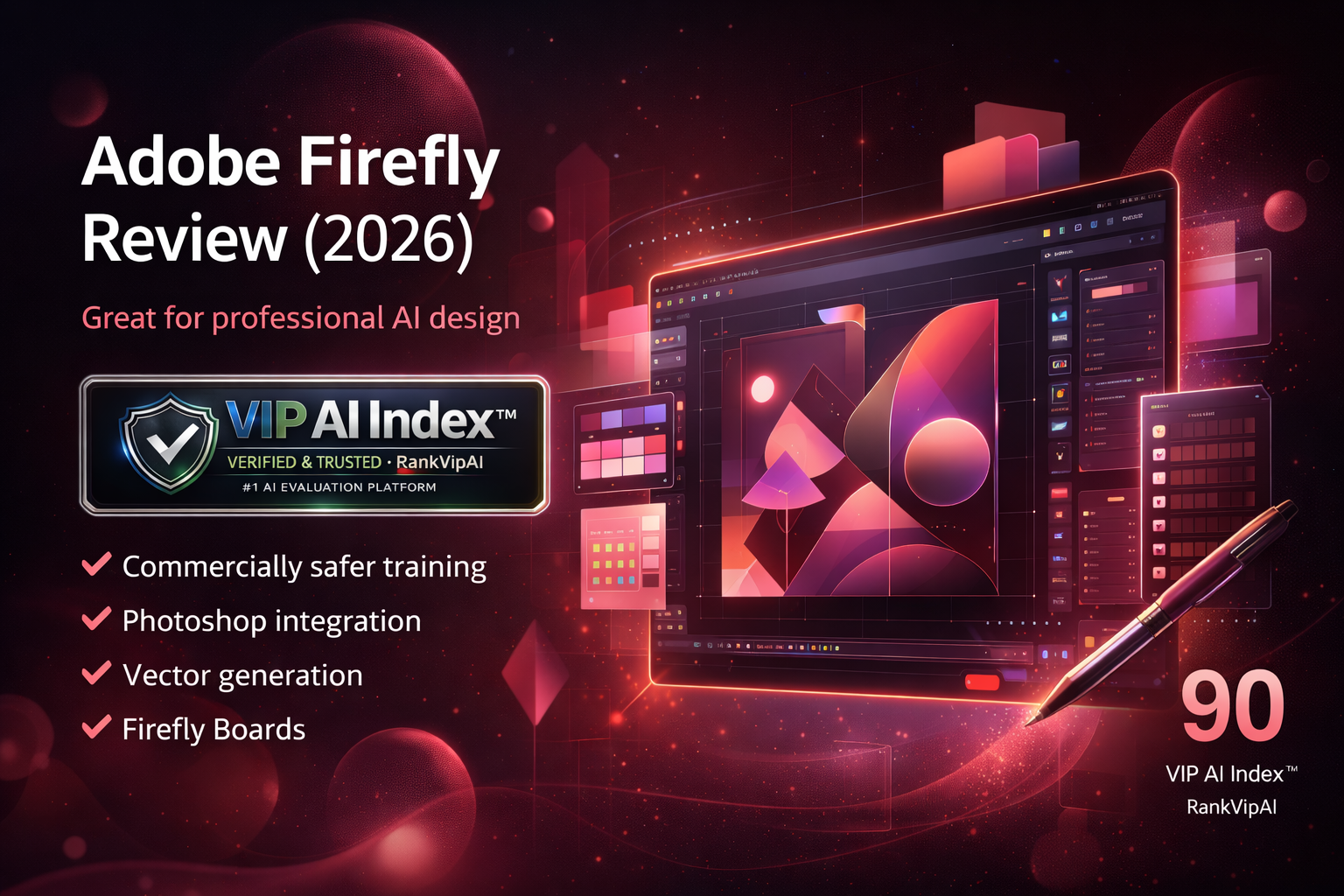
Adobe Firefly is one of the strongest AI design tools for professional teams that want commercially safer image generation, video, audio, vector workflows, Firefly Boards, partner models, and deep Creative Cloud integration without sacrificing brand control.
Adobe Firefly Review Verdict — March 2026
The biggest reason Firefly matters is trust plus workflow depth. Adobe trains its first-party Firefly models on licensed Adobe Stock content and public-domain material, gives users clear commercial-use guidance, and embeds generative tools directly into products creative teams already use. Generative Fill in Photoshop, vector workflows in Illustrator, Firefly Boards for ideation, and enterprise collaboration through Style Kits create a much stronger professional story than most standalone AI design apps.
The catch: Firefly is better for teams already leaning into Adobe than for casual users looking for the cheapest all-in-one solution. Canva is still easier and broader for non-designers, while Figma stays stronger for interface systems. But if your priority is commercially safer generation, Adobe ecosystem depth, and professional creative control, Firefly is one of the strongest design platforms you can buy in 2026.
What Adobe Firefly actually does
Firefly wins when creative generation needs to be safer, more controlled, and connected to professional production workflows instead of living as an isolated prompt tool.
Key Adobe Firefly workflows
Adobe Firefly Review Pricing — March 2026
Adobe’s pricing is much cleaner now than the older Creative Cloud-only story. Firefly has standalone tiers, while Creative Cloud and Adobe Express still add overlapping access depending on what you already use.
| Plan | Price | Credits / access | Standard image features | Premium features | Best for | Adobe extras | Notes |
|---|---|---|---|---|---|---|---|
| Firefly Free | $0 Limited access |
Monthly free credit limits | ✓ limited | ✗ limited | Testing and evaluation | ✗ | Best for trying Firefly before paying |
| Firefly Standard | $9.99/mo Starter paid |
2,000 monthly credits | ✓ unlimited | Credit-based | Lighter image, video and audio work | ✗ | Good low-cost paid entry point |
| Firefly ProBest value | $19.99/mo Best for most creators |
4,000 monthly credits | ✓ unlimited | ✓ more headroom | Serious individual creators + small teams | ✓ Adobe Express Premium + Photoshop web/mobile | Best balance of credits and value |
| Firefly Premium | $199.99/mo Scale tier |
50,000 monthly credits | ✓ unlimited | ✓ video-heavy workflows | Agencies and high-volume creative ops | ✓ | Best for content-at-scale production |
Adobe Firefly Review vs Canva AI vs Figma AI vs Framer AI
Firefly competes less on simplicity and more on professional trust, ecosystem depth, and brand-safe creative workflows.
| Feature | Canva AI | Adobe Firefly | Figma AI | Framer AI |
|---|---|---|---|---|
| VIP AI Index™ Score | 92 · VIP Elite | ★ 90 · VIP Elite | 88 · VIP Pick | 85 · VIP Pick |
| Category Rank | #1 | #2 | #3 | #4 |
| Best use case | All-in-one general design | ★ Pro creative suite + brand-safe generation | UI/UX design workflows | AI website publishing |
| Ease for non-designers | ★ Best | Moderate | Moderate | Good |
| Commercial safety positioning | Good | ★ Best | Not core | Not core |
| Photoshop / Illustrator depth | No | ★ Best | No | No |
| UI/UX systems | Limited | Limited | ★ Best | Good |
| Website publishing | Basic | Basic | No | ★ Best |
| Overall fit for Adobe-heavy teams | Low | ★ Best | Medium | Medium |
| Overall value for pro creative teams | High | ★ Very high | High for product teams | High for site-first teams |
Adobe Firefly Review Pros and Cons
Firefly is strongest when professional creative depth, brand safety, and Adobe ecosystem fit matter more than ease-of-use for casual creators.
✓ Strengths
Adobe Firefly’s upside is clearest for serious creative work: safer training posture, deep Creative Cloud integration, multimodal generation, and a more enterprise-ready path than most standalone design tools.
Ideal for brands that care about licensing posture, legal comfort, and clearer commercial-use guidance than most AI image or design competitors provide.
Firefly becomes much more valuable when paired with Photoshop, Illustrator, Express, and broader Creative Cloud workflows instead of being treated as a standalone prompt interface.
Image, video, audio, vector, and mood-board workflows now live in one ecosystem, which gives Adobe a broader creative story than most design-only competitors.
You are not locked into only one model family anymore, which makes Firefly more flexible and better suited to varied campaign, ideation, and production needs.
Ideation happens in the same universe as production. Boards helps teams explore concepts, assemble inspiration, and move into production without changing platforms.
Adobe has real infrastructure for larger organizations, brand governance, repeatable content creation, and enterprise collaboration, not just consumer-friendly surface polish.
✗ Weaknesses
The trade-off is clear too: Firefly is more professional, but also more dependent on Adobe buy-in, less intuitive than Canva for casual users, and more expensive when usage scales fast.
Adobe still asks more from the user and rewards experience more than simplicity. Canva remains easier and broader for casual or mixed-role creators.
The product makes far more sense if you already use Photoshop, Illustrator, Express, or Creative Cloud workflows. Outside that ecosystem, the value proposition becomes less compelling.
Firefly Premium at $199.99 per month is not casual-user pricing. Heavy usage can push cost management into the workflow, especially for video and high-volume generation.
Figma remains the clearer product-design and interface-systems choice. Firefly’s strengths are broader creative generation and Adobe production depth, not UI system leadership.
Style Kit creation and deeper brand-governance workflows are not universally available on every plan, which reinforces Firefly’s enterprise-first positioning for some of its best collaboration features.
Some artists and experimental creators still prefer more stylistically aggressive generators. Firefly often optimizes for professional control rather than the most unpredictable or extreme aesthetics.
Adobe Firefly Review FAQ
Yes, that is one of its strongest selling points. Adobe says its first-party Firefly model family was trained on licensed Adobe Stock content and public-domain material, and the company provides clearer commercial-use guidance than most competitors. That does not mean every workflow carries identical protection, but it is the strongest trust positioning in this category.
For most casual or mixed-role users, no — Canva is easier and broader. For professional Adobe-centered teams that care about brand-safe generation, deeper editing context, and production-grade creative workflows, yes — Firefly is the stronger fit.
No. Firefly now has standalone plans, including free access plus Standard, Pro, and Premium paid tiers. That said, the product becomes much more compelling if you also use Photoshop, Illustrator, Express, or wider Creative Cloud workflows.
Three things: commercial-safety positioning, deep Adobe integration, and broader multimodal creative scope. Firefly is not just image generation. It now covers video, audio, vectors, Boards, partner models, and enterprise brand workflows in a much more connected way than most design tools.
Boards is useful for ideation. It lets teams collect inspiration, generate options, build mood boards, sketch out campaigns, and move from rough concept direction into actual production. It is much more valuable than it sounds if your creative process starts with collaborative exploration.
No. Adobe’s help documentation says creating and saving Style Kits requires select enterprise entitlements. Shared Style Kits can still be used more broadly through collaboration links, but the strongest brand-governance workflows are clearly aimed at larger teams.
Users who want the easiest possible design tool, the lowest monthly cost, or a simple all-in-one content app should usually start with Canva instead. Firefly is better when professional creative depth and Adobe ecosystem fit matter more than convenience.
Yes. Agencies and in-house brand teams are some of the clearest Firefly users because they benefit from safer generation, Adobe-native editing, team collaboration, and scalable creative production through enterprise tooling.
Ready to try Adobe Firefly?
Start free if you want to test the workflow, or go straight to Firefly Pro if you need the strongest balance of credits, premium access, and Adobe ecosystem value.
Try Adobe Firefly