Microsoft Designer Review 2026
DALL-E 3 powered image generation, 100% free with a Microsoft account. Microsoft Designer is the strongest no-cost AI image generator for beginners, everyday creators, quick social graphics, and anyone who wants usable AI visuals without paying for credits or a subscription.
Microsoft Designer Review Verdict — March 2026
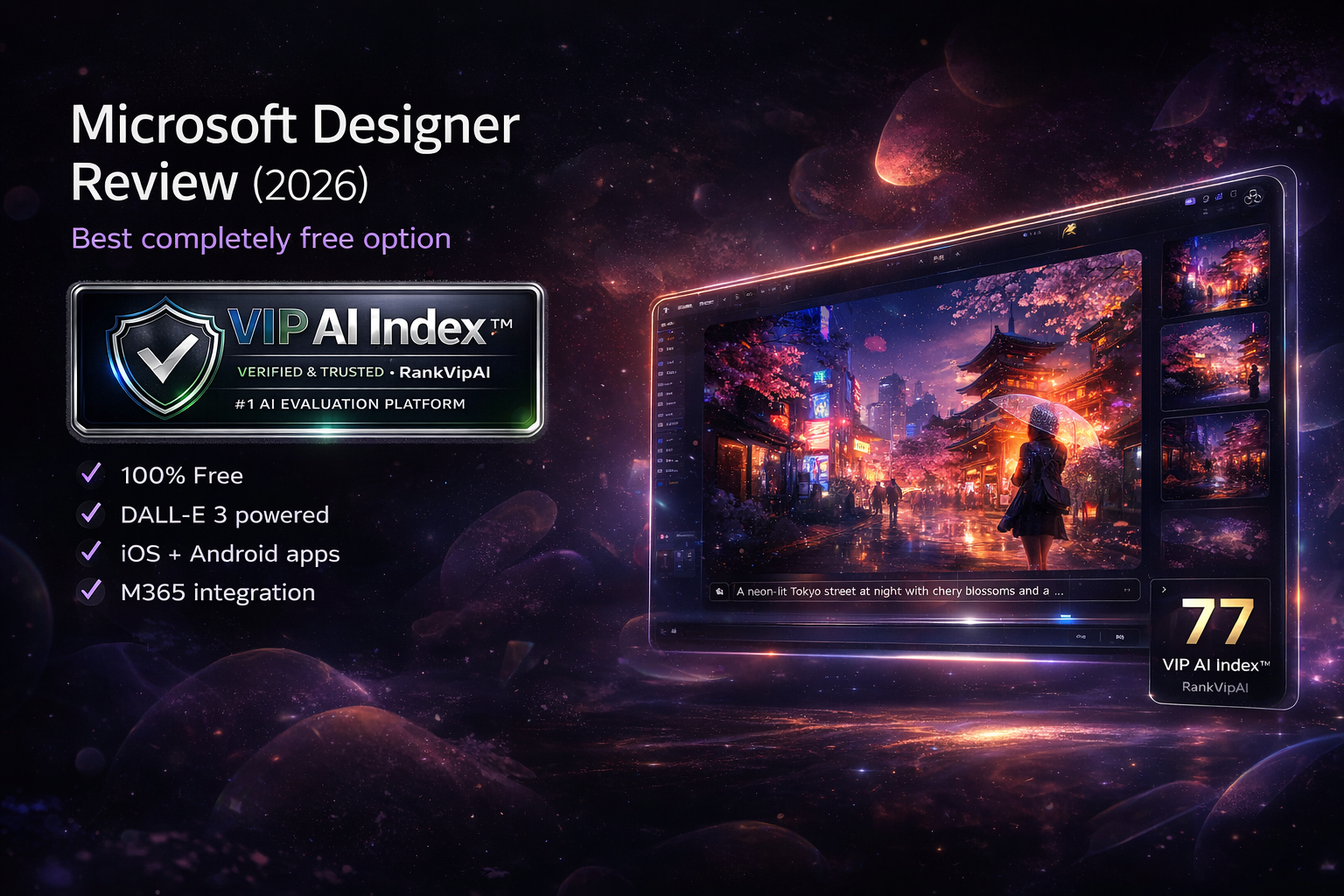
What Microsoft Designer actually does
Free DALL-E 3 image generation plus design templates. Create social posts, invitations, graphics, presentations, blog visuals, and more without paying for a premium image tool.
Microsoft Designer pricing — March 2026
Core features are 100% free. Microsoft 365 plans add commercial usage rights, stronger limits, and deeper business workflows.
| Plan | Price | Image Gen | Commercial Use | M365 Integration | Best For |
|---|---|---|---|---|---|
| FreeBest Value | $0 MS account only |
Daily boosts + unlimited slow | Personal only | Basic | Everyone |
| M365 Personal | $70/year $6.99/mo |
Enhanced limits | ✓ | ✓ Full | Individuals |
| M365 Business | $6/user/mo Business Basic |
Unlimited | ✓ | ✓ Full | Teams |
| M365 Enterprise | $12/user/mo | Unlimited + advanced | ✓ | ✓ Full | Large orgs |
What works and what doesn’t
Microsoft Designer is easy to recommend for free users, but it still comes with real trade-offs around limits, filters, and output control.
✓ Strengths
The value proposition is unusually strong: free DALL-E 3 access, beginner-friendly design tools, and enough everyday utility to make it the best no-cost AI image generator for most casual users.
No credit card, no trial limits, and no paid credits required. That makes Microsoft Designer the most accessible free AI image tool for general users.
It uses the same DALL-E 3 family associated with paid OpenAI image workflows, but Microsoft makes it available free inside Designer, which is a major value advantage.
It handles text-in-image generation better than most free competitors, which makes it useful for posters, signs, graphics, social content, and quick branded visuals.
Web, iOS, Android, and Windows support make it easy to start on one device and continue on another, which is ideal for lightweight daily creative workflows.
You do not need design skills, complex prompt syntax, or editing experience. Describe the result you want and Designer can generate something usable in seconds.
For PowerPoint, Word, and Teams users, the ability to move generated visuals into existing Microsoft workflows adds practical value beyond raw image generation alone.
✗ Weaknesses
The main limitations are creative control, stricter moderation, and the fact that truly commercial usage requires stepping into the Microsoft 365 ecosystem.
This is one of the biggest frustrations with Designer. Legitimate prompts can sometimes be rejected as unsafe, which slows down work and forces rewording.
Heavy users can hit the fast-generation limit and fall back to slower queues. That is fine for casual use, but less ideal for high-volume production.
Commercial rights require a Microsoft 365 subscription, so businesses and freelancers should not rely on the free tier for client work without upgrading.
There are fewer advanced parameters, style controls, and fine-tuning options. That makes it easier for beginners, but more limiting for power users.
The results are often good enough, but Midjourney and stronger paid workflows usually produce more polished, more stylized, and more visually impressive final images.
The legacy editor was deprecated in October 2025 and features such as brand kits were removed. The new experience is improving, but some users still miss older capabilities.
Frequently asked questions
Yes, Microsoft Designer is 100% free with just a Microsoft account. No credit card is required, there is no trial period, and you do not need to buy credits. You get daily boost generations for fast performance plus unlimited slower generations. The free tier is for personal use, while commercial rights require a Microsoft 365 subscription.
Midjourney produces stronger artistic quality and gives users more control through styles and parameters, but it is paid and has no true free tier. Microsoft Designer is free, easier to use, and better suited to quick everyday graphics. Choose Designer for zero-cost convenience; choose Midjourney for higher-end creative output.
Microsoft Designer uses OpenAI’s DALL-E 3 through Microsoft’s OpenAI partnership. That is why it performs well with natural-language prompts and text rendering, even though the product itself is aimed at a broad mainstream audience.
Images created on the free tier are for personal use only. Commercial use rights are included with Microsoft 365 subscriptions, including Personal and Business plans. For client work or business usage, upgrading is the safer path.
Designer applies aggressive safety filters and sometimes rejects prompts that are actually harmless. Rephrasing the prompt, adding more context, or avoiding ambiguous wording can help, but the moderation layer is stricter than many users expect.
Yes. Microsoft Designer is available on the web and as apps for iOS, Android, and Windows. Projects sync across devices through your Microsoft account, making it easy to create on desktop and edit later on mobile.
DALL-E 3 quality — completely free
No subscription. No purchased credits. Just a Microsoft account. The best free AI image generator for everyday use.
Try Microsoft Designer Free →