Canva AI Review 2026
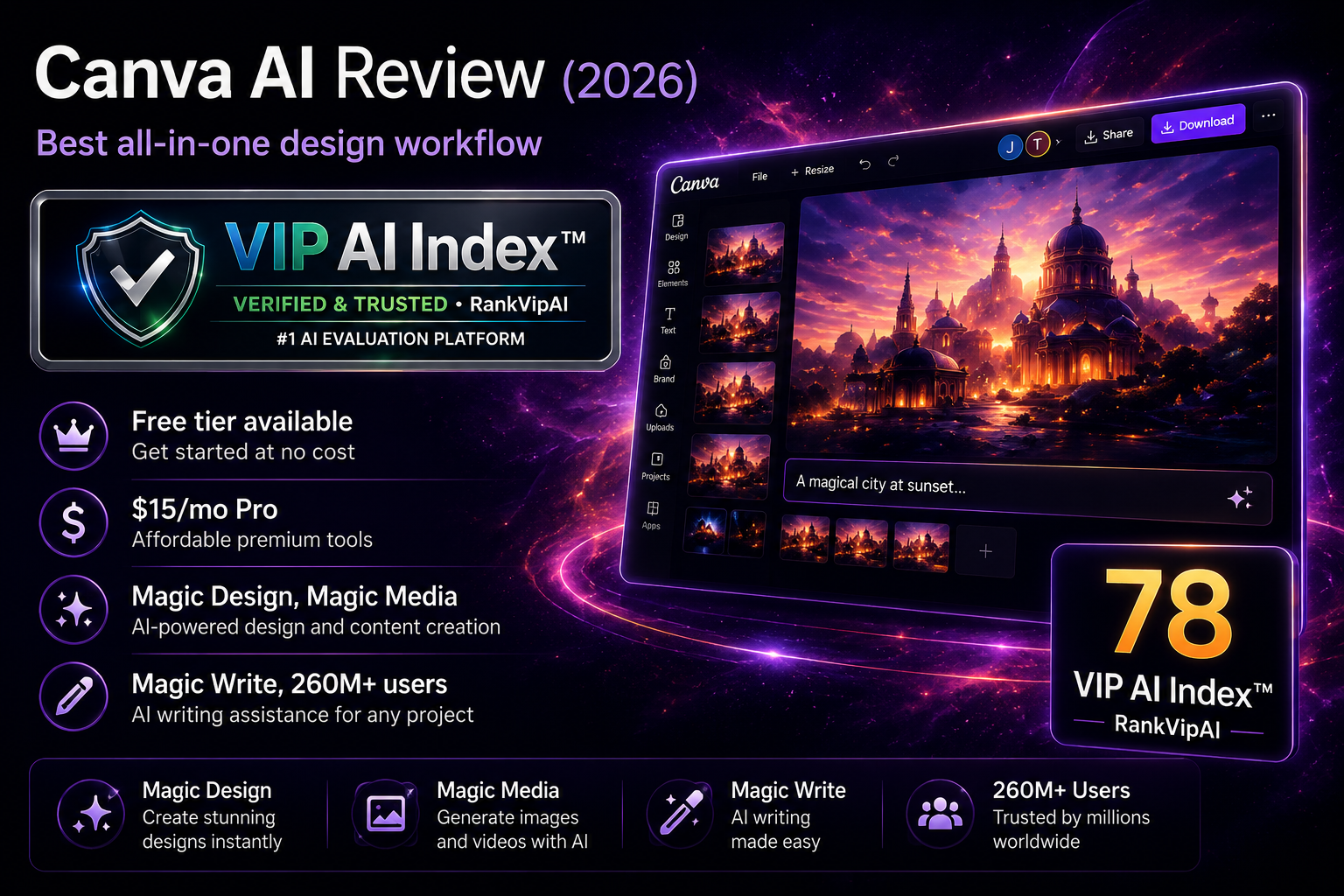
Canva AI is an all-in-one design workflow with AI image generation, templates, writing, editing, resizing and publishing inside Canva. In RankVipAI’s AI Image Generators table, Canva AI ranks #11 with a 78/100 Solid Choice score, a $12.99/mo Pro baseline and free access.
Updated June 3, 2026 · VIP AI Index™ Q2 2026 · Source: RankVipAI master AI Image Generators table.
Canva AI Review Verdict — Updated June 3, 2026
What Canva AI actually does
Magic Studio brings 25+ AI tools into one design platform. Generate, write, edit, and publish without switching apps.
Canva AI pricing — Updated June 3, 2026
The RankVipAI AI Image Generators table lists Canva AI from $12.99/mo Pro, with free access available. Always verify Canva’s live pricing page before purchase because plan packaging and AI limits can change.
| Plan | Price | AI Images | Magic Write | Premium Content | Best For |
|---|---|---|---|---|---|
| Free | $0 | ~50 total | 50 total | Limited | Casual use |
| ProBest Value | $12.99/mo RankVipAI Pro baseline |
500/mo | 500/mo | ✓ 140M+ assets | Individuals |
| Teams | Check live Team pricing can vary |
500/mo pooled | 500/mo pooled | ✓ Full | Teams (3+) |
| Enterprise | Custom | Higher limits | Higher limits | ✓ + Indemnity | Large orgs |
What works and what doesn't
✓ Strengths
Canva AI stands out because it compresses the full content workflow into one place — design, copy, editing, resizing, and publishing — with a much lower learning curve than specialist tools.
Generate images, write copy, edit photos, create designs, resize, and publish without switching between ChatGPT, Midjourney, Photoshop, and other separate tools. That workflow efficiency is Canva AI’s biggest competitive advantage.
AI-generated designs automatically apply your brand colors and fonts correctly. This saves around 10–15 minutes per project and makes Canva especially strong for repeatable team workflows and consistent brand output.
Canva AI benefits from being part of a mature design platform rather than a standalone image generator. That makes it more dependable for day-to-day publishing workflows, templates, brand assets, resizing and collaborative design.
No deep design skills are required. Start with a prompt and get professional-looking layouts quickly. That makes Canva AI especially attractive for marketers, educators, entrepreneurs, and general business users.
Stock photos, videos, music, templates, and premium assets are bundled into the Pro tier. For many users, that eliminates the need for separate stock subscriptions and improves total value significantly.
Teams can edit simultaneously, leave comments, work with version history, and publish through the content planner. Canva AI is not just an image tool — it also supports collaborative production and distribution workflows.
✗ Weaknesses
The compromise is clear: Canva AI is excellent for speed, volume, and integrated production, but it still lags specialist image generators and offers less depth for users who need fine creative control.
The results are serviceable for backgrounds, concept visuals, and fast content production, but they are not ideal for premium client-facing creative work where originality, polish, and artistic quality matter more.
It is faster than leaving Canva and opening another writing tool, but the text is often more generic and less nuanced. It works best as a starting point that still benefits from human refinement.
Canva’s team pricing and AI feature packaging can change over time. Smaller teams should verify the live pricing page and compare expected AI usage before choosing Pro, Teams or Enterprise.
You cannot dial in output with deeper creative controls like “less crowded,” “more cinematic,” or style sliders in the way specialist image tools often allow. In many cases, you simply regenerate or accept the result.
The free plan is enough to test the product, but regular creators will hit the limits quickly. For sustained usage, Canva AI is effectively a paid product through the Pro tier.
Others may generate similar results, which makes Canva AI less attractive when uniqueness and defensible creative ownership are critical. For distinctive brand imagery, dedicated generators may still be the better option.
Frequently asked questions
Canva has a free tier with limited AI: ~50 total image generations and 50 Magic Write uses. After that, you need Pro ($12.99/mo) for 500 monthly AI credits. The free tier is enough to test but not for ongoing use. Pro also unlocks 140M+ premium assets and full editing tools.
Midjourney produces superior artistic quality (93/100 vs Canva's 78/100). However, Canva offers complete design workflow: image generation + copy + templates + editing + publishing in one place. Choose Midjourney for standalone high-quality images; choose Canva when you need the whole design process integrated.
Magic Studio is Canva's all-in-one AI hub with 25+ tools: Magic Design (full designs from prompts), Magic Media (text to image/video), Magic Write (copywriting), Magic Edit/Eraser/Expand (photo editing), and more. It's integrated directly into the Canva editor, not a separate product.
Yes, you can use AI-generated content for personal or commercial projects. However, you may not have exclusive rights — others could generate similar outputs. Enterprise customers with 100+ seats get indemnification via Canva Shield. For unique brand imagery, consider dedicated image generators.
In 2025, Canva moved Teams to per-person pricing with AI features bundled. A team of 5 went from ~$120/year to $500/year (300%+ increase). The controversy: teams that don't heavily use AI still pay for it. Pro ($12.99/mo) remains good value for individuals; Teams pricing frustrates small teams.
Canva AI produces "good enough" outputs for speed and volume — social media, internal presentations, marketing drafts. For Fortune 500 clients, premium brands, or design portfolios, combine Canva with manual refinement or external tools like Midjourney. It optimizes for workflow efficiency, not creative excellence.
Design everything in one place
AI image generation, templates, copy, editing and publishing inside one all-in-one design workflow.
Try Canva Magic Studio →